Q3Edit: Browser-Based Quake III Arena Level Editor with WASM
Edit, compile, and play Quake III maps directly in your browser
★ 4.0 / 5 iKeep scoreScreenshots
Quick facts
Overview
Q3Edit is an open-source, browser-based level editor for Quake III Arena, featuring a TypeScript + WebGL2 editor with id Software’s q3map BSP compiler and ioquake3 running as WebAssembly. It allows users to edit, compile, and playtest maps without leaving the browser tab.
Getting started with Q3Edit — edit, compile, and play Quake 3 maps in your browser
- Access the editorVisit the Q3Edit website to open the browser-based editor without installation.
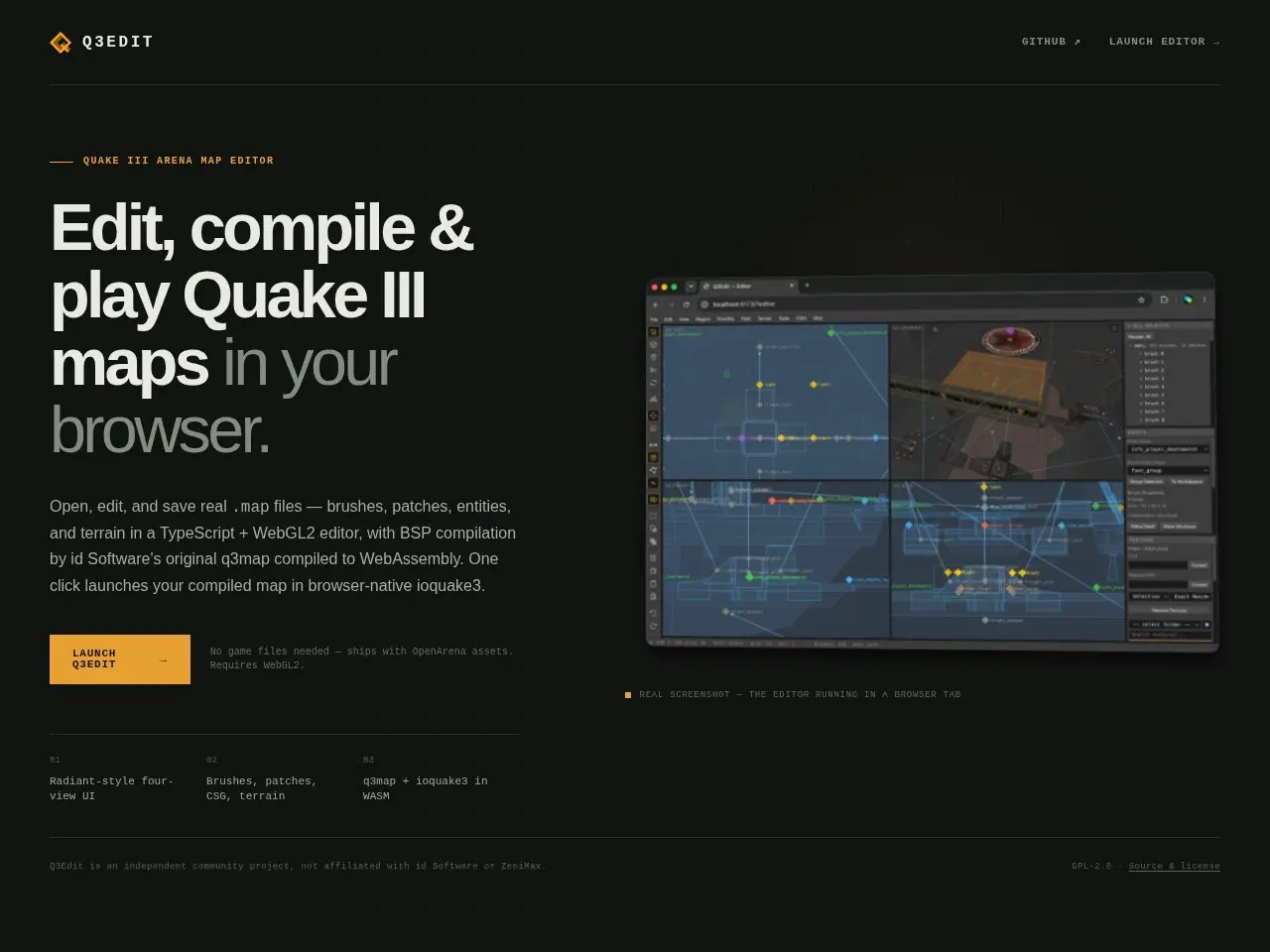
- Create or load a mapStart a new map from scratch or open an existing .map file from your local storage.
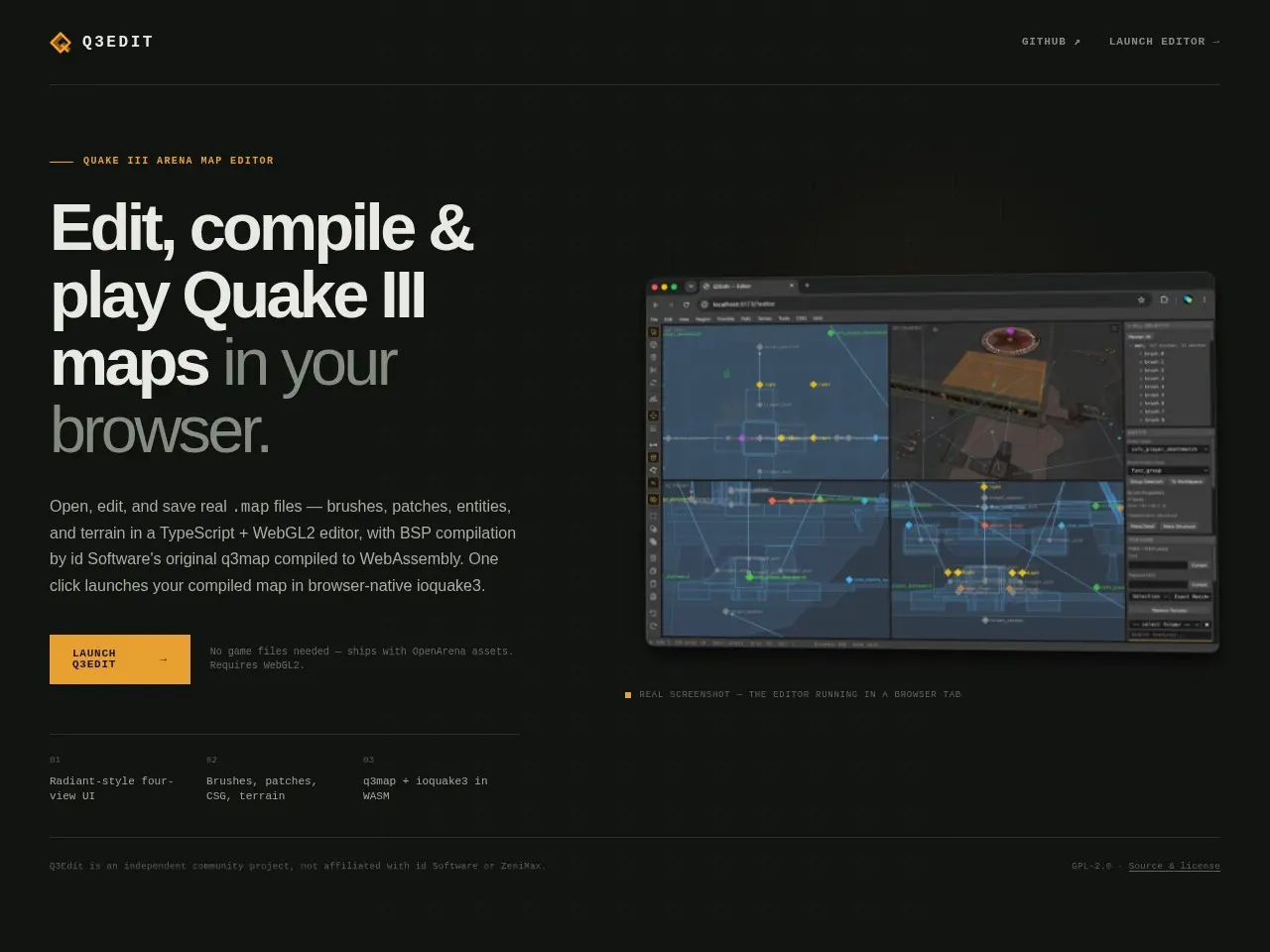
- Edit your levelUse the Radiant-style interface with brush, patch, and CSG tools to design your Quake III map.
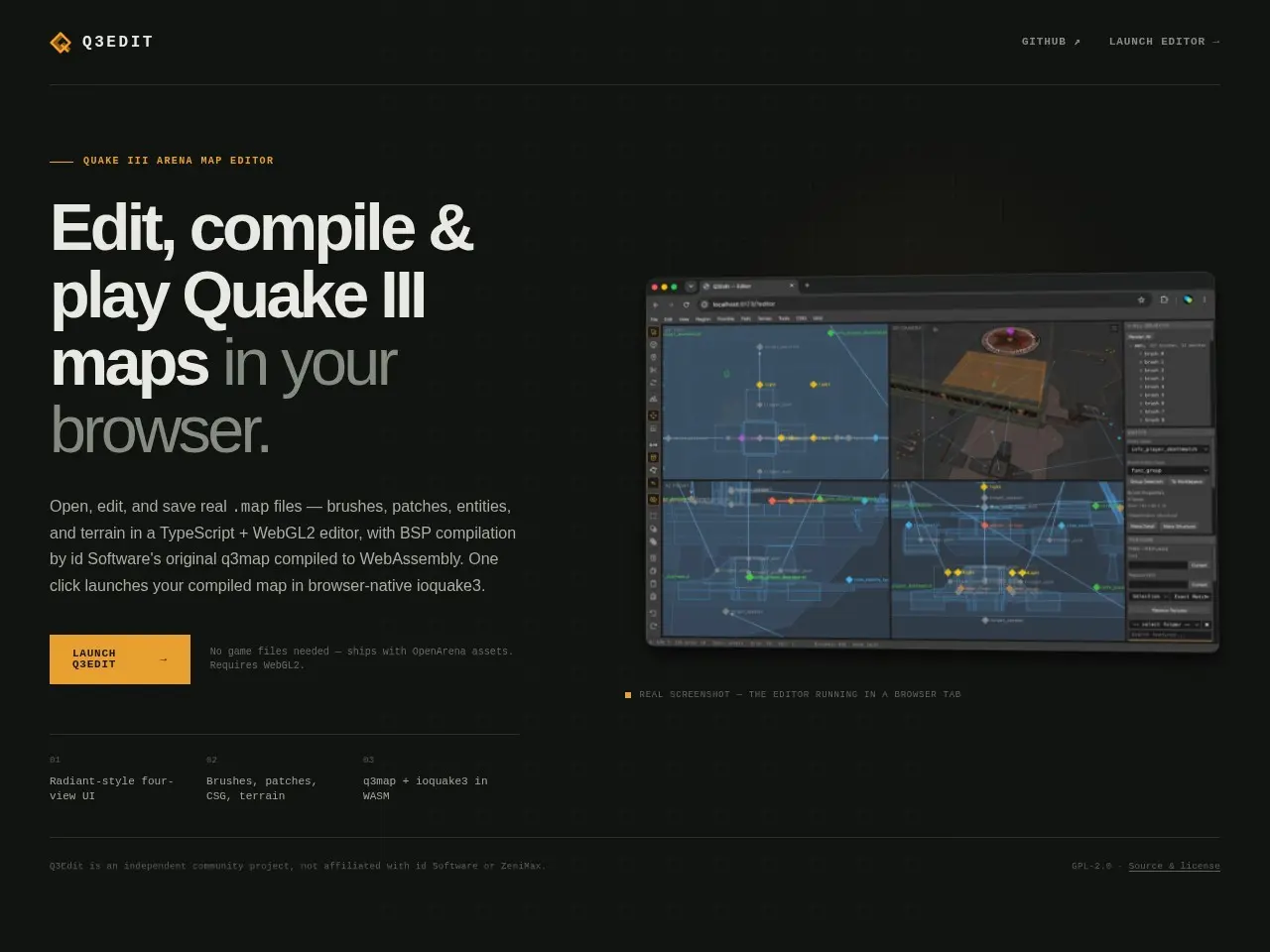
- Compile and testCompile the map using the integrated q3map WASM and launch it directly in the browser for playtesting.
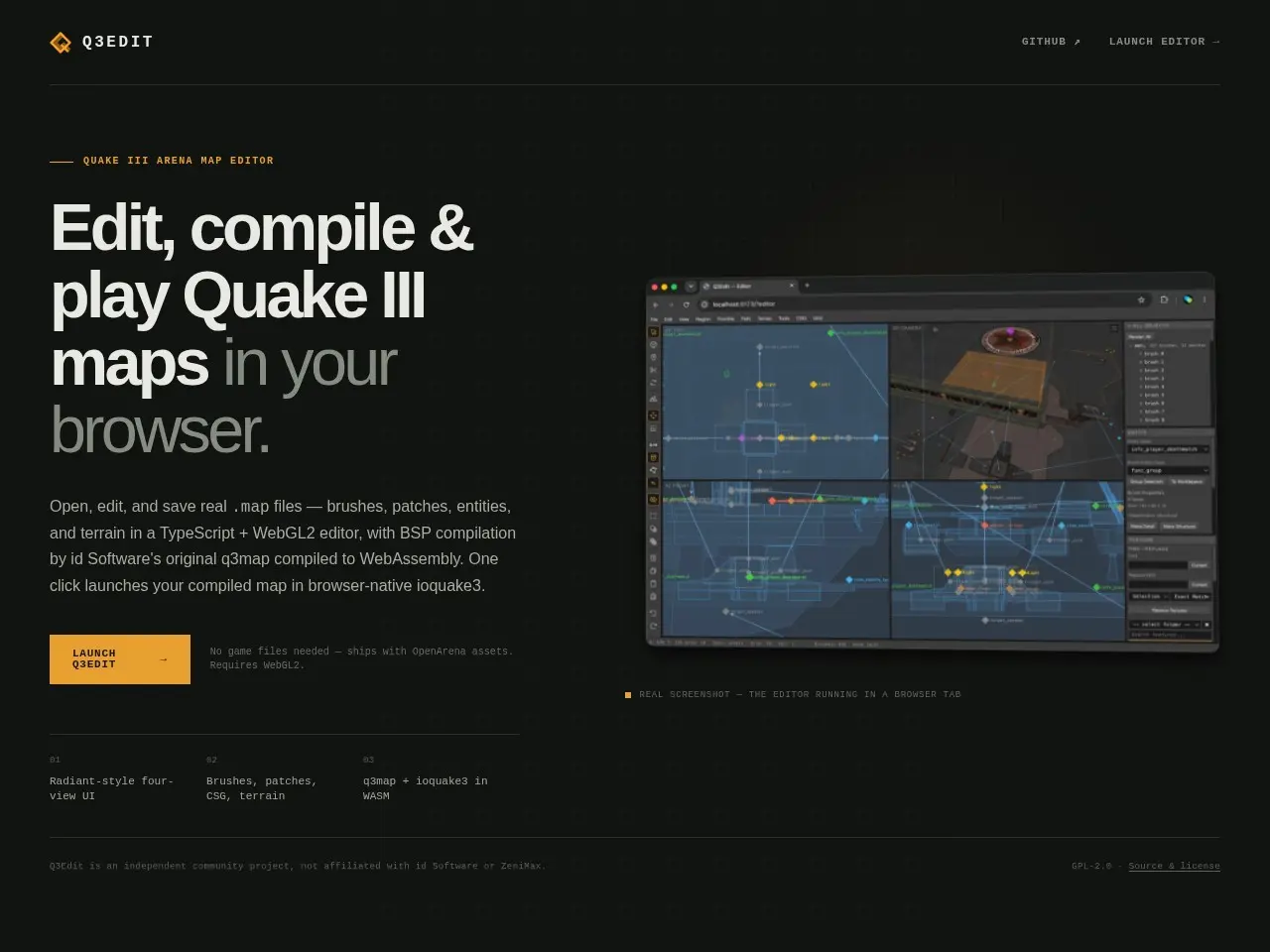
- Save your workExport the final .map file to your local machine for further editing or sharing.
Pricing
| Plan | Price | Note |
|---|---|---|
| Free | Free | — |
💡 Indicative pricing — check the official rates at q3edit.com · Updated 7/19/2026
Original pricing screenshotKey features
- Radiant-style four-view UI
- Supports brushes, patches, CSG, and terrain
- q3map + ioquake3 in WASM
- Open, edit, and save real .map files
- One-click launch for compiled maps
Pros
- Fully browser-based, no installation needed
- Uses original id Software tools compiled to WASM
- Includes OpenArena assets for immediate use
Cons
- Requires WebGL2 support
- Limited to Quake III Arena map editing
Use cases
- Game developers creating Quake III maps
- Modders testing levels quickly
- Educators teaching level design
The verdict
Q3Edit is a must-try for Quake III Arena enthusiasts and modders, offering a seamless browser-based workflow for map creation and testing.
✓ Who should use it
Modders and game developers looking for a quick, browser-based solution to create and test Quake III Arena maps.
✕ Who should skip it
Those needing advanced features beyond Quake III Arena map editing or lacking WebGL2 support.
Categories
Community
- Quake Mapping Discord ↗Active community for Quake map creators
Great for
Frequently asked questions
Is Q3Edit — edit, compile, and play Quake 3 maps in your browser free?
Q3Edit — edit, compile, and play Quake 3 maps in your browser is free to use.
What is Q3Edit — edit, compile, and play Quake 3 maps in your browser best for?
Game developers and modders working on Quake III Arena levels
Does Q3Edit — edit, compile, and play Quake 3 maps in your browser have an API?
No, Q3Edit — edit, compile, and play Quake 3 maps in your browser does not offer a public API.
Can I self-host Q3Edit — edit, compile, and play Quake 3 maps in your browser?
No, Q3Edit — edit, compile, and play Quake 3 maps in your browser is not self-hostable.
Who should use Q3Edit — edit, compile, and play Quake 3 maps in your browser?
Modders and game developers looking for a quick, browser-based solution to create and test Quake III Arena maps.
Reviews 4.0 ★ · 1 review
Q3Edit impresses with its seamless integration of Quake III Arena’s original tools into a browser-based environment. The ability to edit, compile, and playtest maps without leaving the browser is a game-changer for modders. The inclusion of OpenArena assets means you can start creating immediately, and the WASM-powered q3map and ioquake3 ensure compatibility with the original game’s workflow. While limited to Quake III, it’s a fantastic tool for anyone looking to dive into level design for this classic game.
No reviews yet. Be the first to review Q3Edit — edit, compile, and play Quake 3 maps in your browser.
Write a review
Related tools