
React: JavaScript Library for Building Web & Native UIs
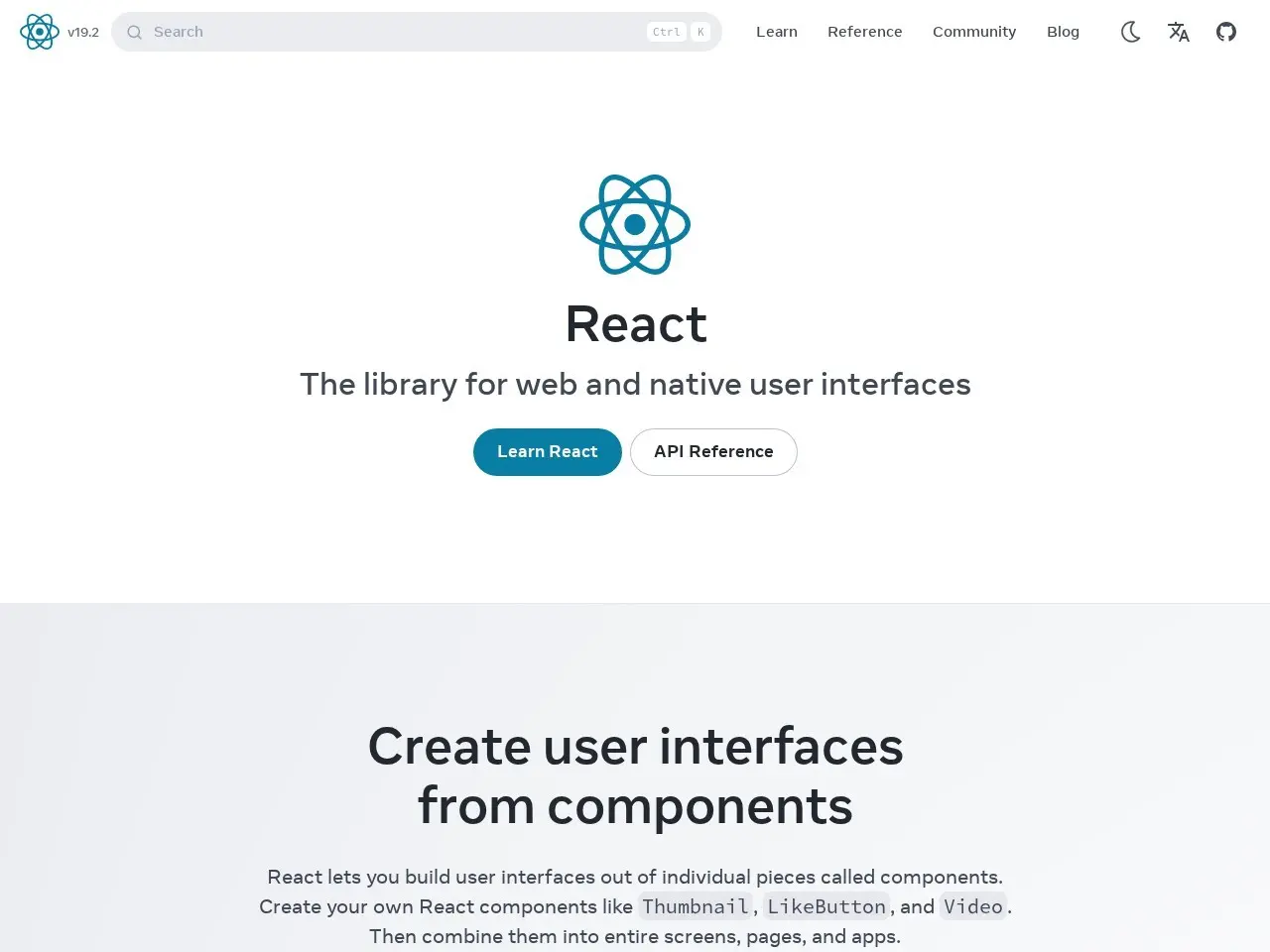
Build interactive web and native user interfaces with reusable components
★ 4.5 / 5 iKeep scoreScreenshots
Quick facts
Overview
React is a JavaScript library for building user interfaces using reusable components. It enables developers to create complex UIs from small, isolated pieces of code that can be combined seamlessly across teams and projects.
Getting started with React
- Install Node.jsEnsure Node.js is installed on your system to use npm or yarn for package management.

- Create React AppUse the command 'npx create-react-app my-app' to set up a new React project with a default template.
- Start Development ServerNavigate to your project folder and run 'npm start' to launch the development server.
- Build ComponentsCreate reusable components using JSX syntax and React's component model.
- Deploy ApplicationUse 'npm run build' to create a production build, then deploy the output to a web server.
Pricing
| Plan | Price | Note |
|---|---|---|
| Open Source | Free | MIT licensed |
💡 Indicative pricing — check the official rates at react.dev · Updated 7/16/2026
Key features
- Component-based architecture for reusable UI elements
- JSX syntax for combining markup with rendering logic
- Declarative approach to UI updates and state management
- Works for both web and native app development
- Can be incrementally adopted in existing projects
- Large ecosystem of supporting tools and frameworks
Pros
- Highly performant virtual DOM implementation
- Extensive community support and documentation
- Flexible integration with other libraries
- Strong corporate backing from Meta (Facebook)
Cons
- Steeper learning curve than some alternatives
- Requires additional libraries for full application needs
- Frequent updates can require maintenance effort
Use cases
- Building complex, interactive web applications
- Creating reusable UI component libraries
- Developing cross-platform applications
- Incremental modernization of legacy frontends
The verdict
React remains the gold standard for component-based UI development, offering unmatched flexibility and ecosystem support for serious frontend projects, though beginners may find the learning curve challenging.
✓ Who should use it
Developers building complex, interactive web applications who value component reusability and performance.
✕ Who should skip it
Those building simple static websites or who prefer more opinionated, all-in-one frameworks.
Categories
Great for
Featured in
Frequently asked questions
Is React free?
React is free to use.
What is React best for?
Frontend developers building dynamic, component-based user interfaces
Does React have an API?
No, React does not offer a public API.
Can I self-host React?
Yes, React can be self-hosted.
Who should use React?
Developers building complex, interactive web applications who value component reusability and performance.
Reviews 5.0 ★ · 1 review
As a senior editor reviewing frontend tools, I consistently recommend React for serious UI development projects. Its component model fundamentally changed how we build web interfaces, enabling better code organization and team collaboration. The virtual DOM implementation delivers excellent performance, while the extensive ecosystem means you'll find solutions for nearly any requirement. While newer frameworks offer simpler onboarding, React's maturity and corporate backing make it the safest long-term bet for production applications. The ability to use the same concepts for web and native development via React Native is a game-changer for cross-platform teams.
No reviews yet. Be the first to review React.
Write a review
Related tools

