Brackets: Phoenix Code: Free Open-Source Editor with Live
Open-source code editor with live preview for HTML, CSS, and JavaScript.
★ 4.0 / 5 iKeep scoreScreenshots
Quick facts
Overview
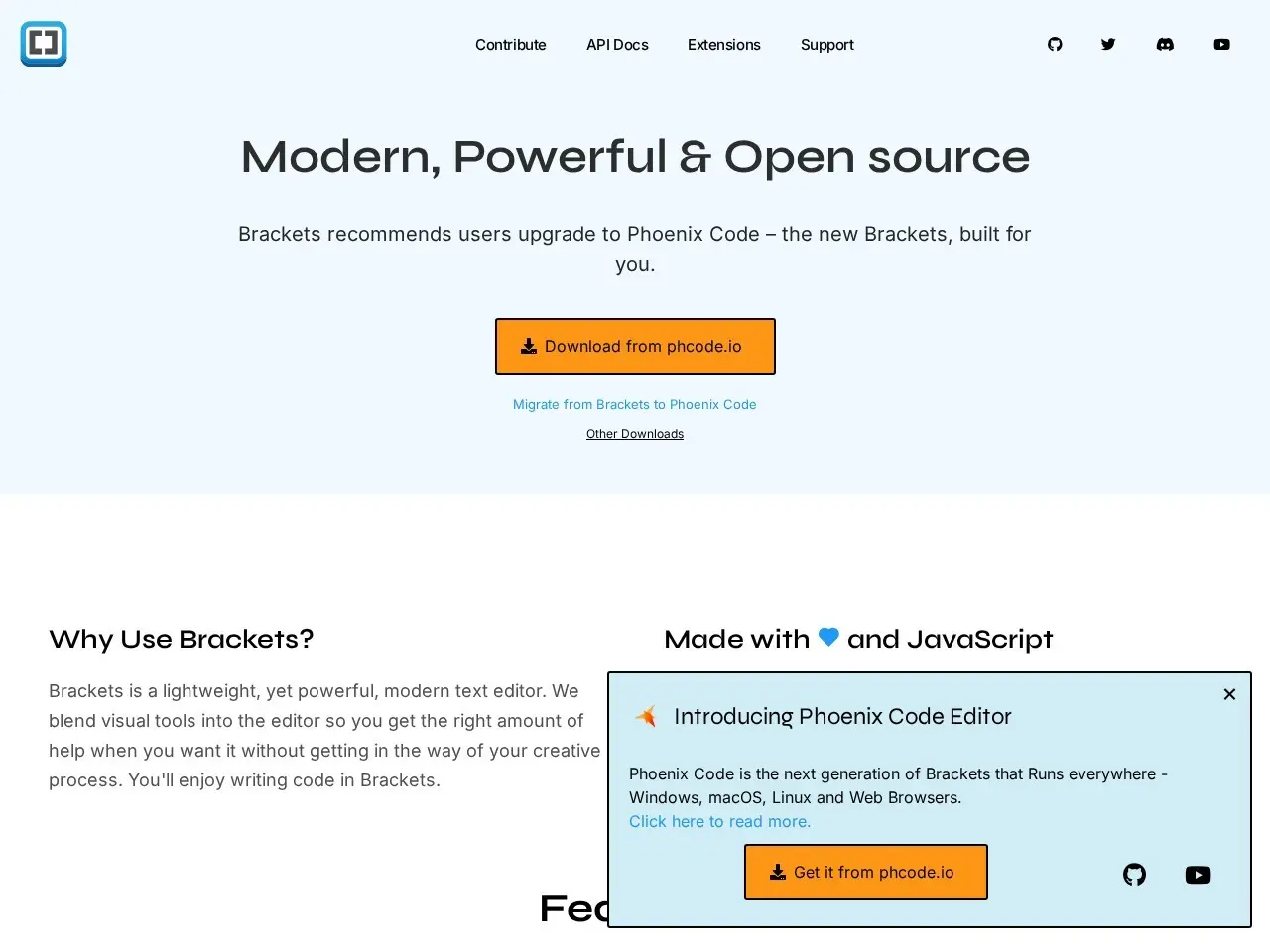
Phoenix Code, evolved from Brackets, is a free, open-source code editor designed for web development. It offers live preview functionality for HTML, CSS, and JavaScript, along with support for popular extensions.
Getting Started with Phoenix Code (Brackets)
- Download and InstallVisit brackets.io to download the editor for your operating system (Windows, macOS, or Linux) and follow the installation instructions.
- Launch and ExploreOpen Phoenix Code (Brackets) and familiarize yourself with the interface, including the file navigator, editor pane, and live preview options.
- Enable Live PreviewOpen an HTML file and click the lightning bolt icon or use the 'Live Preview' option to see real-time changes in your browser.
- Install ExtensionsEnhance functionality by adding extensions like Git integration, Emmet, or Markdown preview from the Extension Manager.
- Start CodingBegin your web development project by creating or opening files, using live preview, and leveraging built-in tools like Beautify for code formatting.
Pricing
| Plan | Price | Note |
|---|---|---|
| Free | Free | Open-source with no cost |
💡 Indicative pricing — check the official rates at brackets.io · Updated 8/2/2026
Key features
- Live preview for HTML, CSS, and JavaScript
- Git integration via extensions
- Emmet for high-speed HTML/CSS workflow
- Beautify for formatting code
- Markdown preview support
- Cross-platform (Windows, macOS, Linux)
Pros
- Completely free and open-source
- Lightweight and fast
- Extensible via community plugins
Cons
- Limited to web development use cases
- Smaller community than mainstream editors
Use cases
- Front-end web development
- Quick prototyping with live preview
- Learning HTML/CSS/JavaScript
- Lightweight coding without IDE bloat
The verdict
Phoenix Code is a solid choice for web developers who want a no-frills editor with live preview capabilities, though power users might prefer more full-featured alternatives.
✓ Who should use it
Front-end developers who prioritize live preview functionality and prefer lightweight tools over bloated IDEs.
✕ Who should skip it
Developers working with multiple languages or needing advanced IDE features like debugging and refactoring.
Categories
Community
- Brackets GitHub Discussions ↗Official community for troubleshooting and feature requests
Great for
Featured in
Frequently asked questions
Is Brackets — Now Phoenix Code | Free Open Source Code Editor with Live Preview free?
Brackets — Now Phoenix Code | Free Open Source Code Editor with Live Preview is free to use.
What is Brackets — Now Phoenix Code | Free Open Source Code Editor with Live Preview best for?
Web developers who want a lightweight, focused editor with live preview
Does Brackets — Now Phoenix Code | Free Open Source Code Editor with Live Preview have an API?
No, Brackets — Now Phoenix Code | Free Open Source Code Editor with Live Preview does not offer a public API.
Can I self-host Brackets — Now Phoenix Code | Free Open Source Code Editor with Live Preview?
Yes, Brackets — Now Phoenix Code | Free Open Source Code Editor with Live Preview can be self-hosted.
Who should use Brackets — Now Phoenix Code | Free Open Source Code Editor with Live Preview?
Front-end developers who prioritize live preview functionality and prefer lightweight tools over bloated IDEs.
Reviews 4.0 ★ · 1 review
As a web developer who's tried numerous code editors, I appreciate Phoenix Code's focused approach. The live preview feature is genuinely useful when working on front-end projects, providing immediate visual feedback as you code. While it lacks some of the bells and whistles of heavier IDEs, its lightweight nature and extension support make it a great choice for HTML, CSS, and JavaScript work. The open-source nature means you can customize it to your needs, though the smaller community means fewer plugins than mainstream options. For quick prototyping or teaching web development concepts, it's hard to beat the simplicity of the live preview functionality.
No reviews yet. Be the first to review Brackets — Now Phoenix Code | Free Open Source Code Editor with Live Preview.
Write a review
Related tools


