unicity: AOS Community Edition: Open Agent Operating System
An open, inspectable, and composable environment for agent-based systems.
★ 4.0 / 5 iKeep scoreScreenshots
Quick facts
Overview
AOS Community Edition is an open agent operating system designed for developers who need an inspectable and composable environment for agents. It includes the `aos` CLI, HTTP API, distributions, first-party capsules, and Unicity Audit.
Getting started with GitHub - unicity-aos/aos-ce: AOS Community Edition: the open agent operating system
- Install the aos CLIClone the repository from GitHub and follow the installation instructions to set up the `aos` CLI on your system.
- Configure the environmentUse the `aos` CLI to configure your agent environment, including setting up necessary dependencies and runtime compatibility.
- Start an agentLaunch your first agent using the `aos` CLI, which will initialize the agent operating system and make it ready for use.
- Integrate with HTTP APIAccess the HTTP API to automate and integrate agent operations with other tools and systems in your workflow.
- Explore capsulesBrowse and utilize first-party capsules to extend the functionality of your agent operating system as needed.
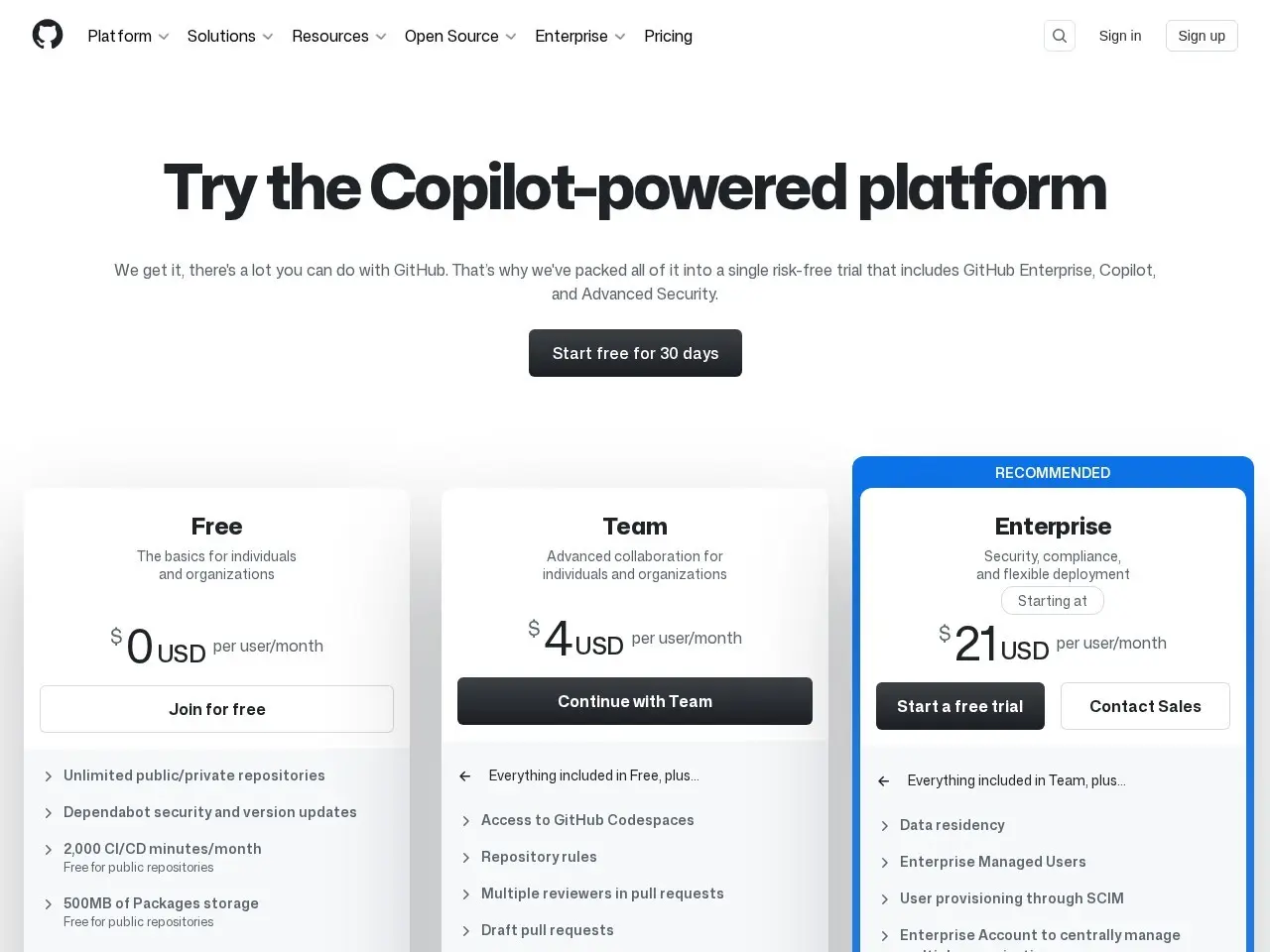
Pricing
| Plan | Price | Note |
|---|---|---|
| Community Edition | Free | open-source |
💡 Indicative pricing — check the official rates at github.com · Updated 7/26/2026
Original pricing screenshotKey features
- `aos` CLI for managing agent operations
- HTTP API for integration and automation
- First-party production capsules for extended functionality
- Community distribution manifests and release metadata
- Enforced runtime compatibility and upgrade gates
- Machine-readable runtime-compatibility and upgrade/self-heal gates
Pros
- Open-source and inspectable
- Composable environment for agents
- Strong runtime compatibility enforcement
- Detailed documentation and community support
Cons
- Primarily CLI-based, may not suit GUI-focused users
- Limited to Unix-like systems for full functionality
- Steeper learning curve for beginners
Use cases
- Developers building agent-based systems
- Teams needing a composable and inspectable OS for agents
- Open-source contributors looking to extend an agent OS
The verdict
AOS Community Edition is a robust choice for developers who need an open and inspectable environment for agent-based systems, though it may require some technical expertise to fully leverage.
✓ Who should use it
Developers and teams building or managing agent-based systems who value open-source and composable environments.
✕ Who should skip it
Users looking for a GUI-driven or beginner-friendly operating system should consider alternatives.
Categories
Community
- GitHub Issues ↗Official issue tracker and support community
Great for
Featured in
Frequently asked questions
Is GitHub - unicity-aos/aos-ce: AOS Community Edition: the open agent operating system free?
GitHub - unicity-aos/aos-ce: AOS Community Edition: the open agent operating system is free to use.
What is GitHub - unicity-aos/aos-ce: AOS Community Edition: the open agent operating system best for?
Developers and teams working on agent-based systems who need an open and composable environment.
Does GitHub - unicity-aos/aos-ce: AOS Community Edition: the open agent operating system have an API?
Yes, GitHub - unicity-aos/aos-ce: AOS Community Edition: the open agent operating system offers an API.
Can I self-host GitHub - unicity-aos/aos-ce: AOS Community Edition: the open agent operating system?
Yes, GitHub - unicity-aos/aos-ce: AOS Community Edition: the open agent operating system can be self-hosted.
Who should use GitHub - unicity-aos/aos-ce: AOS Community Edition: the open agent operating system?
Developers and teams building or managing agent-based systems who value open-source and composable environments.
Reviews 4.0 ★ · 1 review
AOS Community Edition stands out as a powerful, open-source solution for developers working with agent-based systems. Its composable and inspectable environment is a significant advantage for those who need full control over their operations. The inclusion of a CLI and HTTP API ensures flexibility and automation capabilities, while the strong runtime compatibility enforcement adds reliability. However, the learning curve might be steep for beginners, and the lack of a GUI could be a drawback for some users. Overall, it's a solid choice for developers in need of a robust agent operating system.
No reviews yet. Be the first to review GitHub - unicity-aos/aos-ce: AOS Community Edition: the open agent operating system.
Write a review
Related tools

