CotEditor: Lightweight Open-Source Text Editor for macOS
A lightweight, open-source text editor designed specifically for macOS.
★ 4.0 / 5 iKeep scoreFree download
Get this deal →Screenshots
Quick facts
Overview
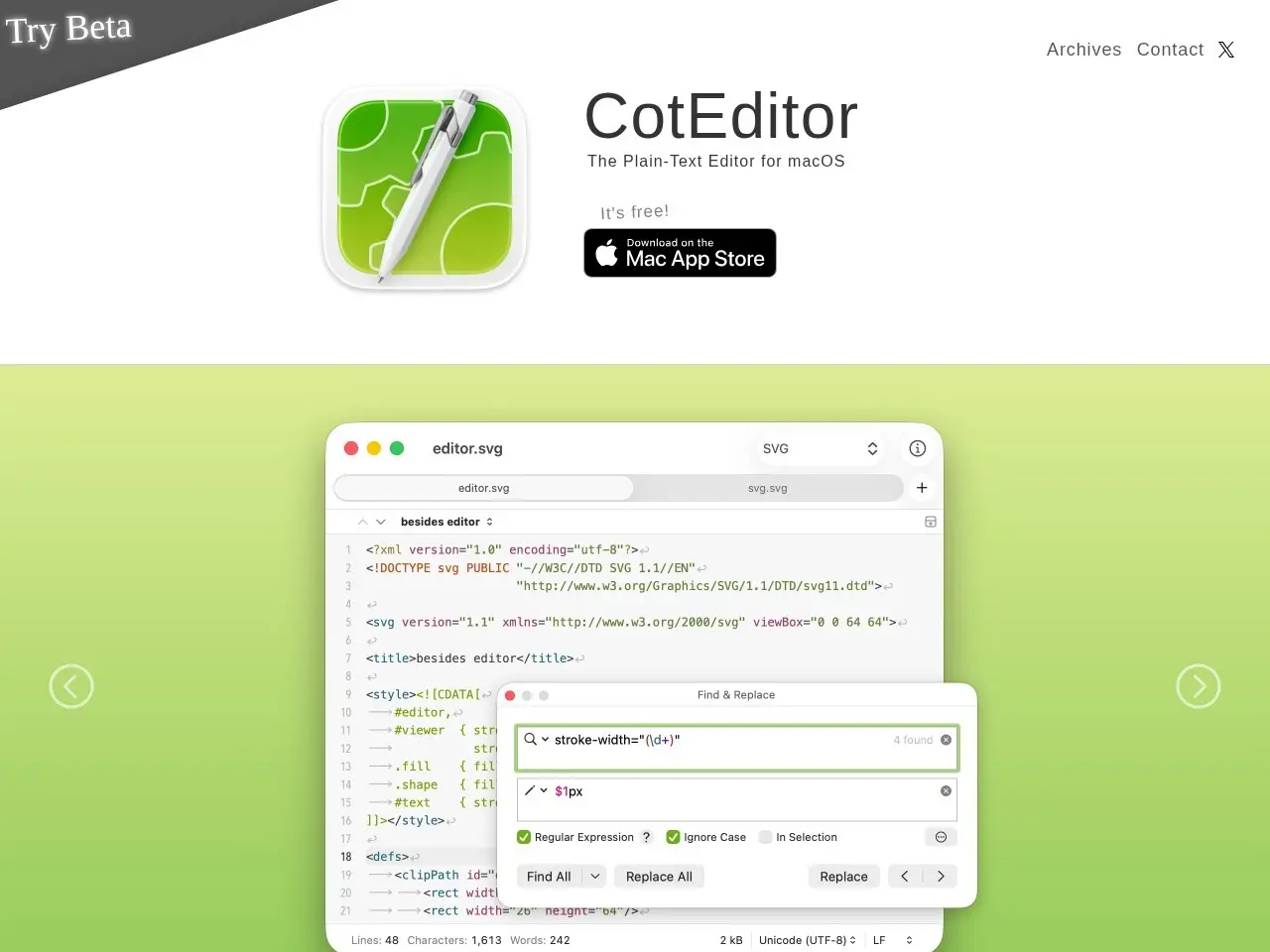
CotEditor is a plain-text editor for macOS that combines simplicity with powerful features like syntax highlighting and find & replace. It's optimized for macOS, launches quickly, and supports customization through open-source contributions.
Getting started with CotEditor
- Download CotEditorVisit the official CotEditor website and download the latest version for macOS.
- Install and launchOpen the downloaded DMG file and drag CotEditor to your Applications folder, then launch it.
- Customize settingsAdjust preferences like syntax highlighting and editor behavior via the Preferences menu.
- Start editingOpen or create a text file and begin editing with syntax highlighting and other features.
Pricing
| Plan | Price | Note |
|---|---|---|
| Free | Free | Open-source and free to use |
💡 Indicative pricing — check the official rates at coteditor.com · Updated 8/2/2026
Key features
- Syntax highlighting for 60+ languages
- Powerful ICU regex find & replace
- Click-based settings (no config files)
- Auto-backup for unsaved documents
- Split editor view for multi-pane editing
- Scriptable with multiple languages
Pros
- Native macOS integration and performance
- Open-source and community-driven
- No complex configuration needed
- CJK language support
Cons
- MacOS-only (no Windows/Linux support)
- Fewer advanced IDE features compared to full IDEs
Use cases
- Quick text editing with syntax highlighting
- Scripting and automation tasks
- Working with multiple file encodings
- Lightweight coding without IDE overhead
The verdict
CotEditor delivers exactly what it promises - a fast, native-feeling text editor for macOS that handles coding tasks without bloat. It's ideal for those who want more than TextEdit but less than a full IDE.
✓ Who should use it
Mac users who frequently edit code or text files and want a lightweight, customizable editor with syntax support.
✕ Who should skip it
Users needing cross-platform support or advanced IDE features like debugging.
Categories
Community
- GitHub Discussions ↗Official CotEditor development discussions and support
Great for
Featured in
Frequently asked questions
Is CotEditor free?
CotEditor is free to use.
What is CotEditor best for?
Mac users needing a fast, no-nonsense text editor with coding features
Does CotEditor have an API?
No, CotEditor does not offer a public API.
Can I self-host CotEditor?
No, CotEditor is not self-hostable.
Who should use CotEditor?
Mac users who frequently edit code or text files and want a lightweight, customizable editor with syntax support.
Reviews 4.0 ★ · 1 review
As a long-time Mac user constantly tweaking configuration files and writing scripts, I appreciate CotEditor's no-nonsense approach. It launches instantly when I need to jot down code snippets or edit Markdown files, with syntax highlighting that's both comprehensive and customizable. The open-source nature means I can tweak it to my needs, while the macOS-native interface feels perfectly at home. While it lacks some advanced IDE features, that's precisely its strength - it does one thing (text editing) extremely well without unnecessary bloat. The CJK language support is a thoughtful touch for international users. For quick edits where Xcode or VS Code would be overkill, CotEditor has become my go-to.
No reviews yet. Be the first to review CotEditor.
Write a review
Related tools

