OpenClaw: Open-Source AI Assistant for Personal Automation
Open-source AI assistant that runs locally and integrates with your chat apps
★ 4.0 / 5 iKeep scoreScreenshots
Quick facts
Overview
OpenClaw is an open-source personal AI assistant designed to run on your local machine while seamlessly integrating with the chat applications you already use. It has gained rapid community adoption and praise for its speed and functionality.
Getting started with OpenClaw — Personal AI Assistant
- Download the softwareVisit the official OpenClaw website and download the latest version of the software for your operating system.
- Install OpenClawFollow the installation instructions provided on the website or in the downloaded package to set up OpenClaw on your local machine.
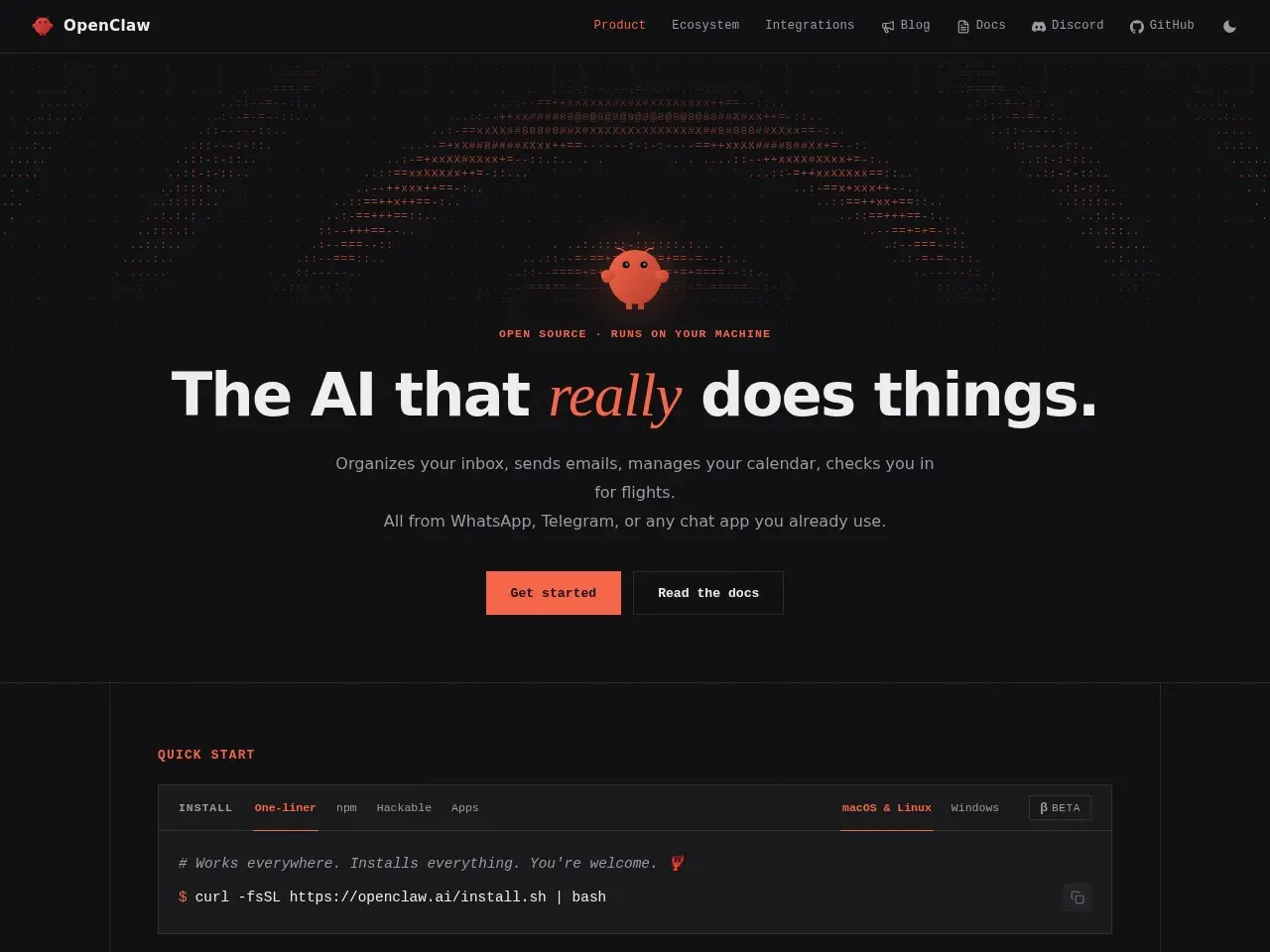
- Configure integrationsSet up OpenClaw to integrate with your preferred chat applications by following the configuration guide in the documentation.
- Start using OpenClawLaunch the application and begin interacting with your personal AI assistant through your connected chat apps.
Pricing
| Plan | Price | Note |
|---|---|---|
| Open-source | Free | — |
💡 Indicative pricing — check the official rates at openclaw.ai · Updated 7/16/2026
Key features
- Runs locally on your machine for privacy
- Integrates with existing chat apps
- Open-source with active community development
- Fast and efficient personal agent technology
- Regular updates and improvements
Pros
- Strong community support and rapid development
- Privacy-focused local operation
- Seamless integration with existing workflows
Cons
- Requires technical knowledge to set up
- Still in active development with potential bugs
Use cases
- Personal automation through chat interfaces
- Tech-savvy users wanting local AI assistance
- Developers looking to contribute to open-source AI
The verdict
OpenClaw is an impressive open-source alternative for users who want AI assistance without cloud dependencies, best suited for those comfortable with technical setups.
✓ Who should use it
Developers and tech enthusiasts who want a customizable, local AI assistant that integrates with their existing chat apps.
✕ Who should skip it
Non-technical users who need plug-and-play solutions or prefer commercial AI assistants with polished UIs.
Categories
Community
- Discord ↗Live community support and plugin development chat
Great for
Frequently asked questions
Is OpenClaw — Personal AI Assistant free?
OpenClaw — Personal AI Assistant is free to use.
What is OpenClaw — Personal AI Assistant best for?
Tech-savvy users who want a privacy-focused, open-source AI assistant
Does OpenClaw — Personal AI Assistant have an API?
No, OpenClaw — Personal AI Assistant does not offer a public API.
Can I self-host OpenClaw — Personal AI Assistant?
Yes, OpenClaw — Personal AI Assistant can be self-hosted.
Who should use OpenClaw — Personal AI Assistant?
Developers and tech enthusiasts who want a customizable, local AI assistant that integrates with their existing chat apps.
Reviews 4.0 ★ · 1 review
OpenClaw stands out as a remarkable open-source AI assistant that prioritizes privacy by running locally on your machine. What impresses me most is its rapid evolution - community testimonials highlight significant performance improvements in recent months. The project's momentum is undeniable, with thousands of contributors and growing GitHub popularity. While it requires some technical know-how to implement, the payoff is a customizable AI that works within your existing chat apps without sending data to the cloud. This makes it ideal for privacy-conscious users and developers who want to shape their own AI assistant.
No reviews yet. Be the first to review OpenClaw — Personal AI Assistant.
Write a review
Related tools