andrewyng/openworker: OpenWorker: Open-Source AI Desktop
An open-source AI coworker that completes tasks on your desktop.
★ 4.0 / 5 iKeep scoreScreenshots
Quick facts
Overview
OpenWorker is an open-source AI assistant that runs locally on your desktop, automating everyday tasks like document creation, calendar updates, and Slack replies. It supports multiple AI providers and keeps your data private.
Getting started with GitHub - andrewyng/openworker
- Download and installDownload OpenWorker from the official website or GitHub repository and follow the installation instructions for your operating system.
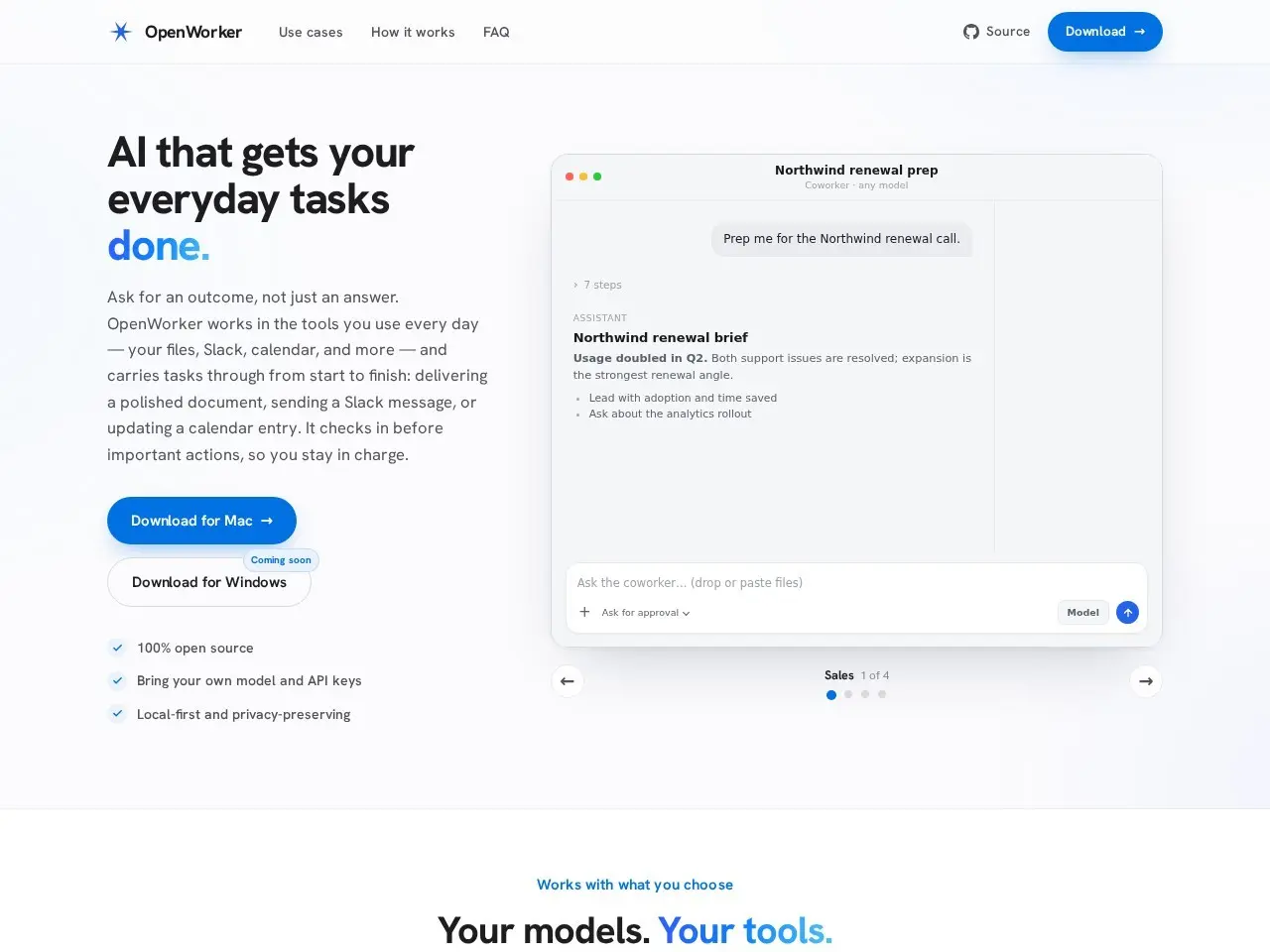
- Configure AI providersSet up your preferred AI providers (local or cloud-based) in the OpenWorker configuration file to enable task automation.
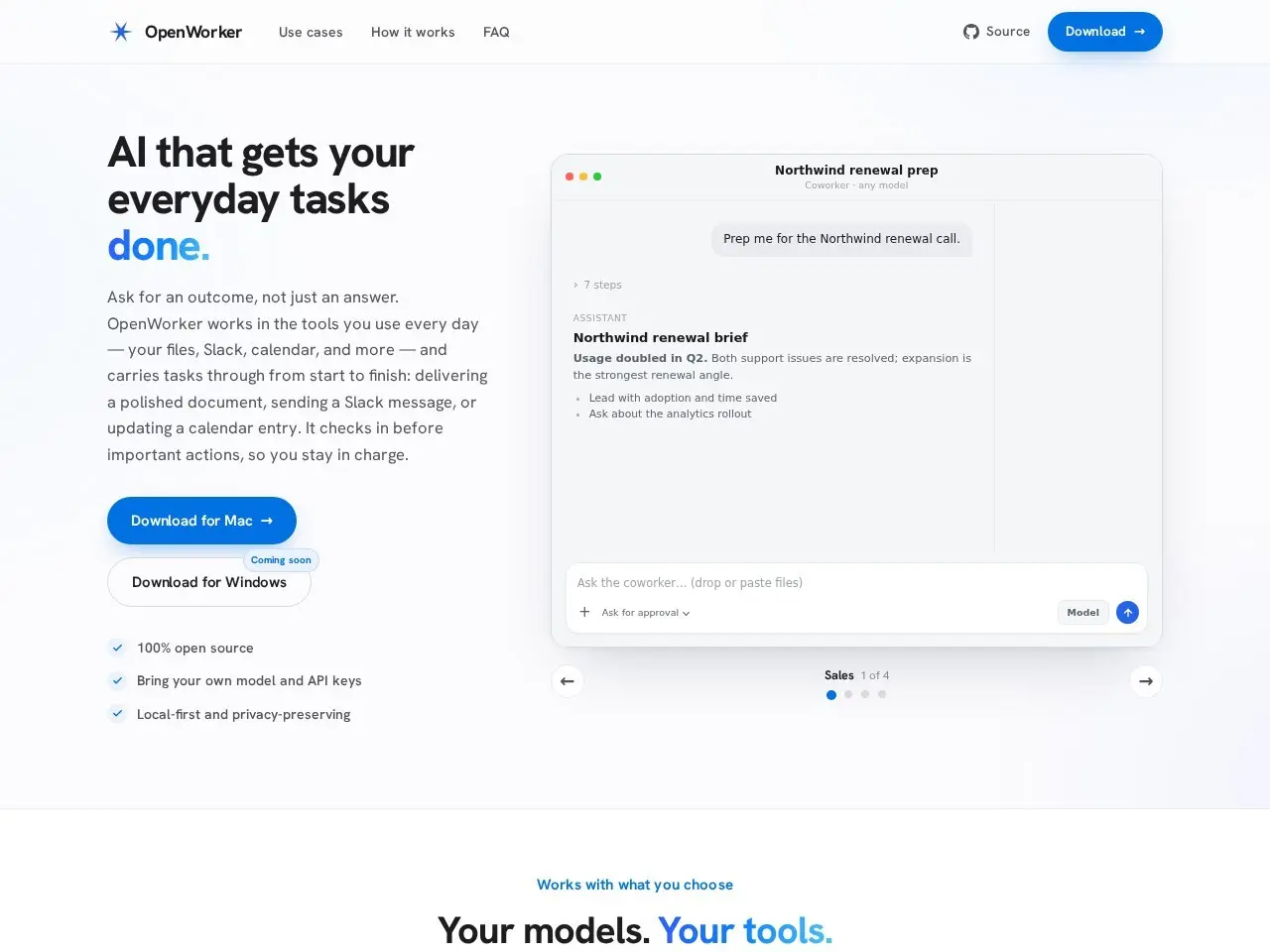
- Connect integrationsLink OpenWorker with your preferred tools like Slack, GitHub, or Google Calendar by providing the necessary API keys or credentials.
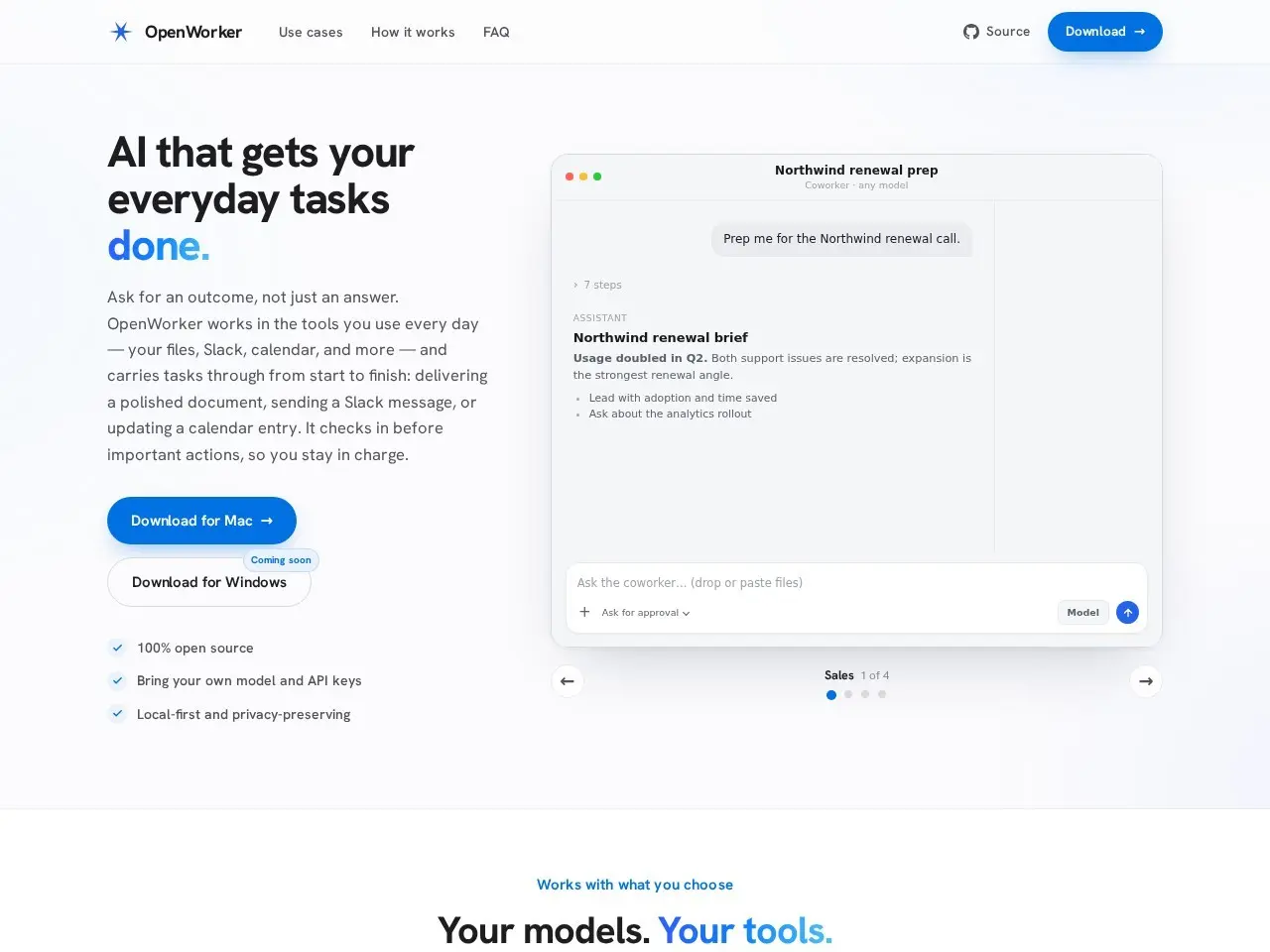
- Start usingBegin using OpenWorker by mentioning @OpenWorker in Slack or running commands in your terminal to automate tasks.
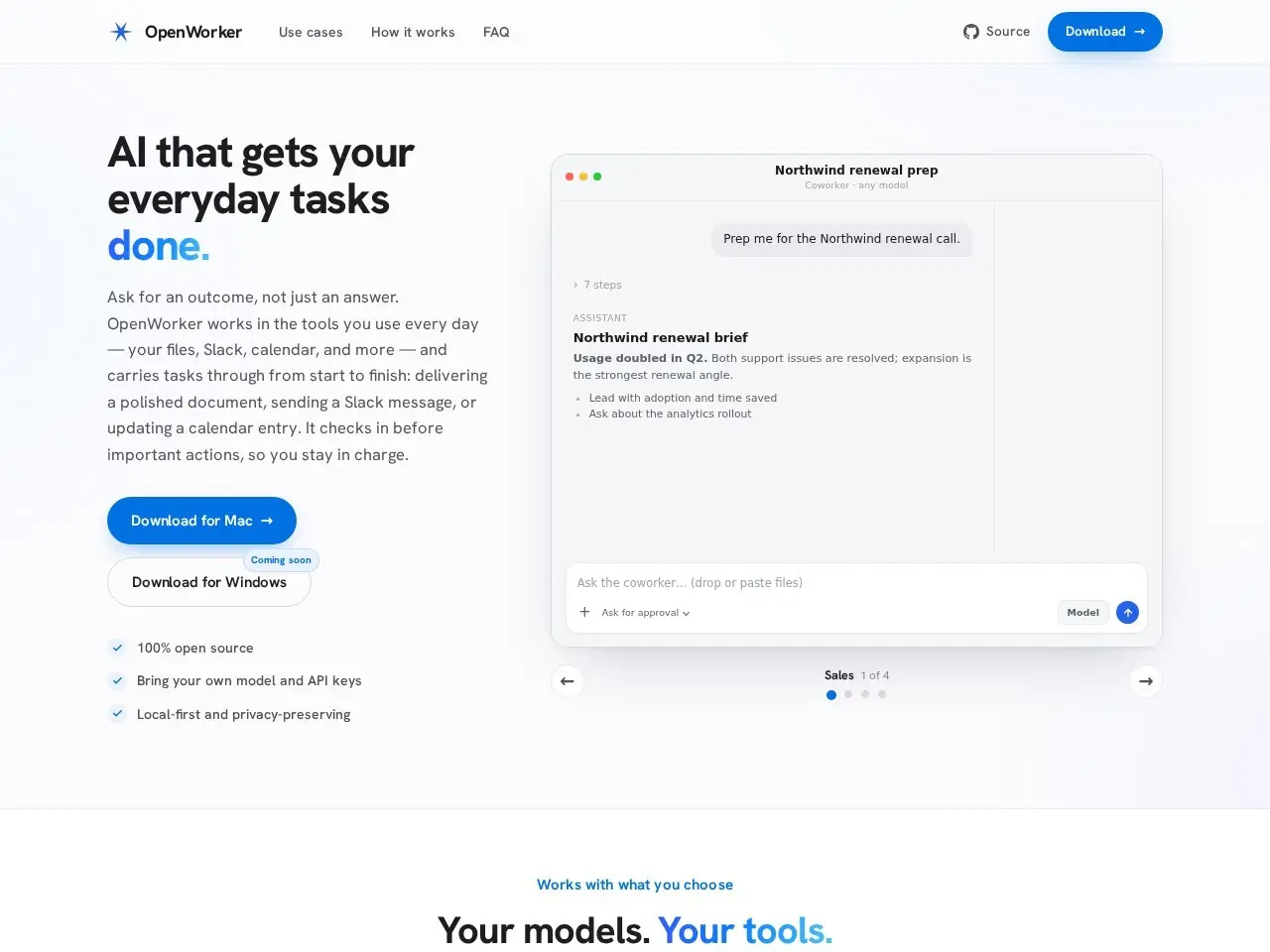
Pricing
| Plan | Price | Note |
|---|---|---|
| Open-source | Free | self-hosted |
💡 Indicative pricing — check the official rates at openworker.com · Updated 7/26/2026
Original pricing screenshotKey features
- Runs locally on your machine with optional cloud AI providers
- Supports 25+ integrations including Slack, GitHub, and Google Calendar
- Delivers finished work like documents and reports, not just chat responses
- Works from Slack with @OpenWorker mentions
- Uses your terminal and local files
- Open-source and self-hostable
Pros
- Privacy-focused with local execution
- Flexible AI model support (OpenAI, Anthropic, Google, or local models)
- Produces actual deliverables rather than just suggestions
Cons
- Still in beta with some rough edges
- Windows builds not yet code-signed
- Requires some technical setup for local models
Use cases
- Automating repetitive office tasks
- Generating reports from multiple data sources
- Managing calendar and email triage
- Technical teams needing AI assistance with development workflows
The verdict
OpenWorker is a promising open-source alternative to cloud-based AI assistants, offering real task completion with strong privacy controls - ideal for tech professionals who want AI help without data leaving their machine.
✓ Who should use it
Developers and technical professionals who need AI task automation but want to maintain control over their data and models.
✕ Who should skip it
Non-technical users who prefer turnkey SaaS solutions without any setup requirements.
Categories
Community
- GitHub Issues ↗Official issue tracker and support community
Great for
Frequently asked questions
Is GitHub - andrewyng/openworker free?
GitHub - andrewyng/openworker is free to use.
What is GitHub - andrewyng/openworker best for?
Tech-savvy professionals who want AI task automation while maintaining data privacy
Does GitHub - andrewyng/openworker have an API?
Yes, GitHub - andrewyng/openworker offers an API.
Can I self-host GitHub - andrewyng/openworker?
Yes, GitHub - andrewyng/openworker can be self-hosted.
Who should use GitHub - andrewyng/openworker?
Developers and technical professionals who need AI task automation but want to maintain control over their data and models.
Reviews 4.0 ★ · 1 review
I'm impressed by OpenWorker's practical approach to AI assistance - it actually completes tasks rather than just suggesting actions. The ability to run locally with Ollama or bring your own API keys gives users unprecedented control over their AI workflow. While still in beta, it already handles real-world office tasks across multiple integrations. The desktop-native approach makes it feel more like a true coworker than a chatbot. For privacy-conscious teams that need AI to produce actual deliverables, OpenWorker is one of the most promising open-source options available today.
No reviews yet. Be the first to review GitHub - andrewyng/openworker.
Write a review
Related tools