
ChatCut: AI Video Editor for Effortless Professional Edits
A lightweight, professional-grade AI video editor for everyone, even without experience.
★ 4.5 / 5 iKeep score10% coupon for Product Hunt users
Get this deal →Screenshots
Quick facts
Overview
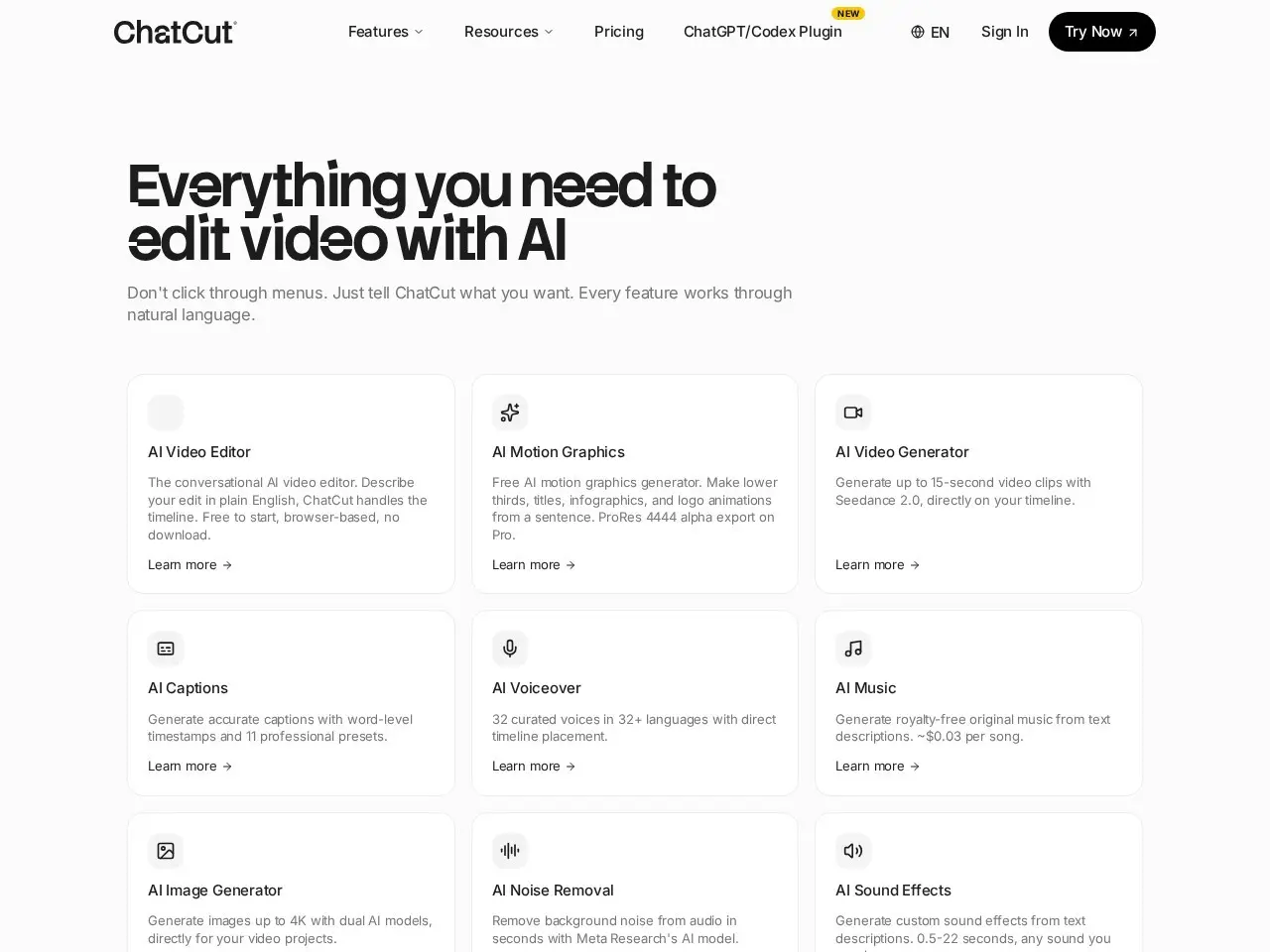
ChatCut is an AI-powered video editor designed to simplify the editing process for professionals and beginners alike. It offers a full editing suite with AI assistance, built-in stock footage, sound effects, and generation tools.
Getting started with ChatCut: Your AI video editor in ChatGPT, desktop, and web | Product Hunt
- Sign up for an accountVisit the ChatCut website and sign up for a free account to get started with the video editor.
- Upload or select footageUpload your own video clips or choose from the built-in stock footage library to begin your project.
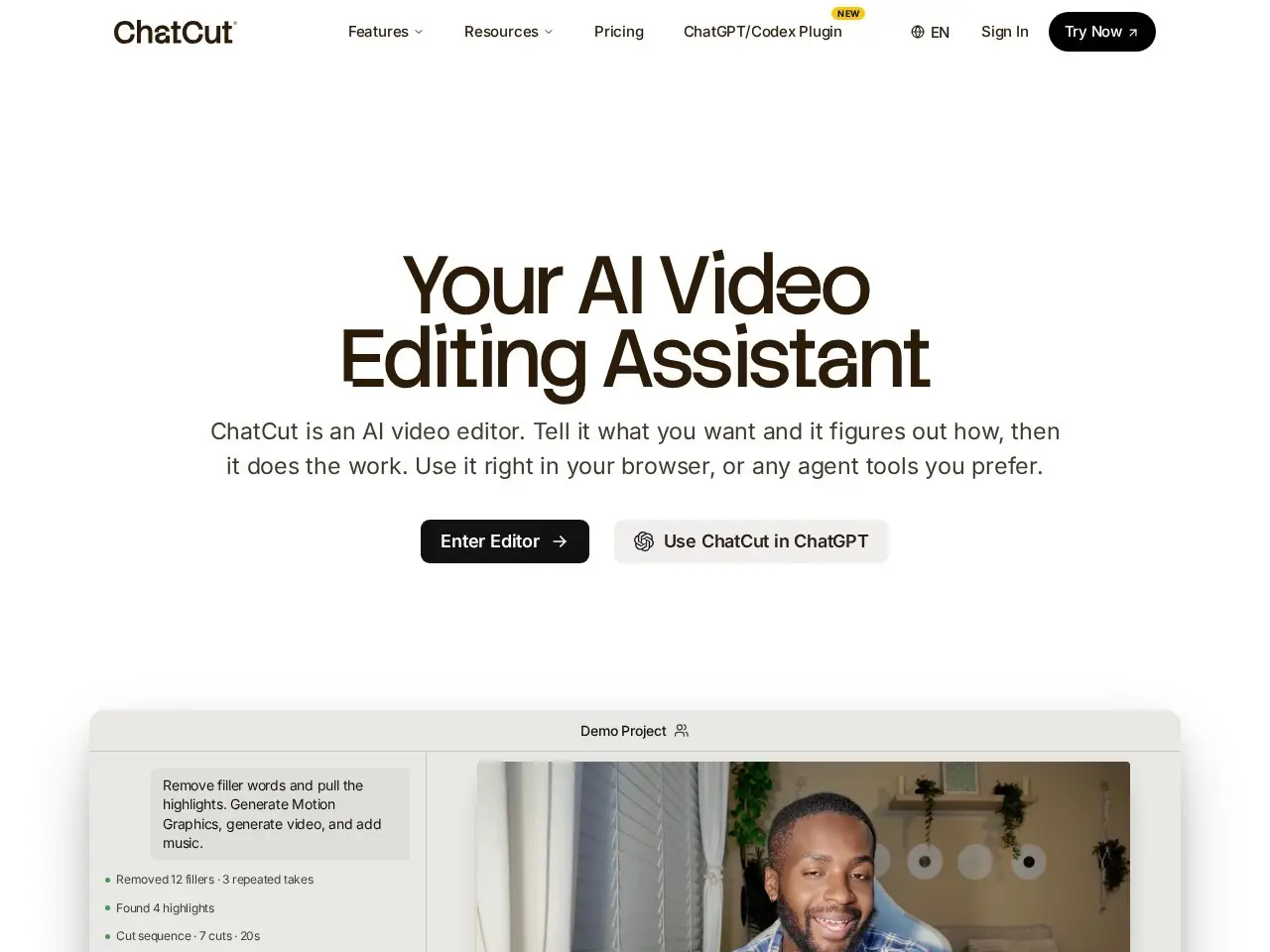
- Use AI editing toolsLeverage the AI-powered editing assistant to automatically enhance your video with effects, captions, and transitions.

- Customize your timelineFine-tune your edits using the professional timeline editor, adding B-roll, sound effects, or voiceovers as needed.
- Export your projectOnce satisfied, export your video in your preferred format or use the XML export for further editing in other software.
Pricing
| Plan | Price | Note |
|---|---|---|
| Free credits | Free | Limited access with free credits |
| Paid options | From $9/mo | approximate, based on overview note |
💡 Indicative pricing — check the official rates at chatcut.io · Updated 7/16/2026
Original pricing screenshotKey features
- AI-powered editing assistant
- Professional timeline with XML export
- Built-in stock footage and sound effects
- AI-generated video and motion graphics
- Supports captions, B-roll, and voiceovers
- Lightweight and easy to use
Pros
- User-friendly for beginners and professionals
- Comprehensive editing tools in one platform
- AI assists without replacing human creativity
Cons
- Limited free credits may require purchase
- AI features may have a learning curve
Use cases
- Businesses creating ads and branded content
- YouTubers and TikTokers editing videos
- Teachers and educators making instructional videos
- Founders and professionals needing quick edits
The verdict
ChatCut is a game-changer for anyone who dreads video editing, offering a seamless blend of AI assistance and professional tools. It's perfect for those who want high-quality edits without the steep learning curve.
✓ Who should use it
Content creators, educators, and professionals who need a powerful yet intuitive video editing tool.
✕ Who should skip it
Advanced video editors who prefer traditional, manual editing software without AI assistance.
Categories
Great for
Frequently asked questions
Is ChatCut: Your AI video editor in ChatGPT, desktop, and web | Product Hunt free?
Free credits + paid options
What is ChatCut: Your AI video editor in ChatGPT, desktop, and web | Product Hunt best for?
Content creators and professionals who want a powerful yet easy-to-use video editor with AI assistance.
Does ChatCut: Your AI video editor in ChatGPT, desktop, and web | Product Hunt have an API?
No, ChatCut: Your AI video editor in ChatGPT, desktop, and web | Product Hunt does not offer a public API.
Can I self-host ChatCut: Your AI video editor in ChatGPT, desktop, and web | Product Hunt?
No, ChatCut: Your AI video editor in ChatGPT, desktop, and web | Product Hunt is not self-hostable.
Who should use ChatCut: Your AI video editor in ChatGPT, desktop, and web | Product Hunt?
Content creators, educators, and professionals who need a powerful yet intuitive video editing tool.
Reviews 4.0 ★ · 1 review
ChatCut stands out as a versatile AI video editor that bridges the gap between professional and amateur editing. Its AI assistant understands your footage and intent, making it easier to achieve polished results. The built-in tools and stock footage save time, while the professional timeline ensures precision. It's a great choice for anyone looking to streamline their video editing workflow without sacrificing quality.
No reviews yet. Be the first to review ChatCut: Your AI video editor in ChatGPT, desktop, and web | Product Hunt.
Write a review
Related tools

