kage: Clone Websites for Offline Browsing Without JavaScript
Clone any website into a self-contained offline folder with all JavaScript stripped out.
★ 4.0 / 5 iKeep scoreScreenshots
Quick facts
Overview
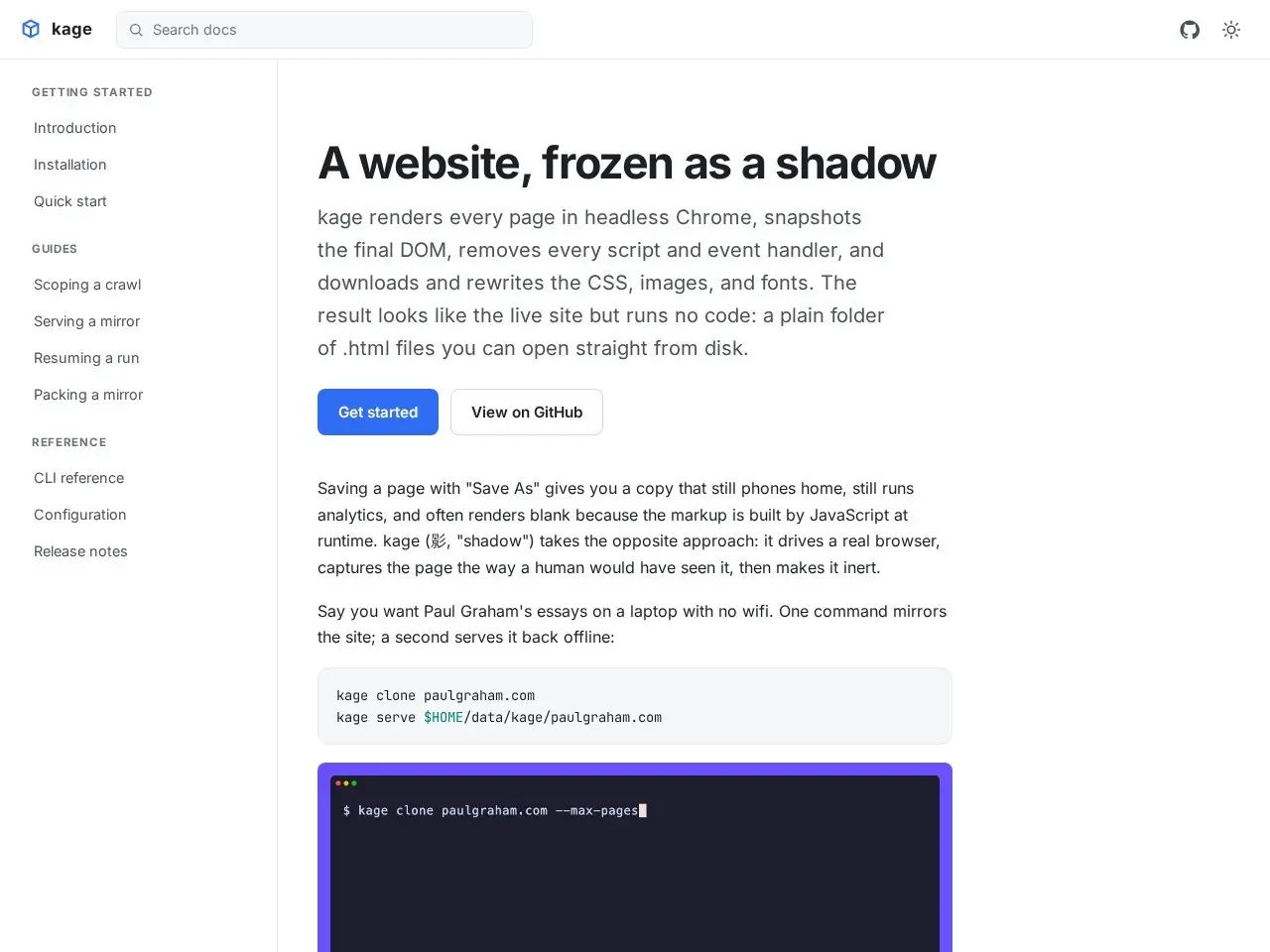
kage renders websites in headless Chrome, captures the final DOM, removes all scripts and event handlers, and localizes CSS, images, and fonts. The result is a static, offline-browsable version of the site.
Getting started with kage
- Install kageDownload the pure-Go binary from the official GitHub repository or build from source.
- Run with target URLExecute the kage command with the URL of the website you want to clone for offline browsing.
- Configure outputSpecify output format (ZIM archive or self-contained binary) and destination folder.
- Process completionkage will render the page in headless Chrome, strip scripts, and localize assets automatically.
- Access offline copyOpen the generated files in any browser for offline viewing with preserved layout.
Pricing
| Plan | Price | Note |
|---|---|---|
| Open Source | Free | — |
💡 Indicative pricing — check the official rates at kage.tamnd.com · Updated 7/16/2026
Key features
- Renders pages in headless Chrome for full JavaScript execution before capture
- Strips all scripts, event handlers, and JavaScript URLs
- Localizes CSS, images, and fonts for offline use
- Rewrites links for seamless offline browsing
- Packs mirrors into single ZIM archives or self-contained binaries
- Pure-Go binary for easy deployment
Pros
- Preserves layout and styling without executing JavaScript
- Lightweight and easy to use with simple CLI commands
- Self-contained output works on any device without internet
Cons
- May not capture dynamic content that requires continuous JavaScript execution
- Limited to static content capture
Use cases
- Archiving websites for offline reference
- Creating local copies of documentation or articles
- Preserving web content without tracking or analytics
The verdict
kage is a powerful tool for creating clean, offline copies of websites, ideal for those who need to preserve web content without the bloat of JavaScript.
✓ Who should use it
Anyone who needs reliable offline access to web content without JavaScript dependencies.
✕ Who should skip it
Users needing dynamic, interactive content or real-time updates from websites.
Categories
Community
- GitHub Issues ↗Official bug reports and feature discussions for kage
Great for
Frequently asked questions
Is kage free?
kage is free to use.
What is kage best for?
Developers, researchers, and anyone needing offline access to web content
Does kage have an API?
No, kage does not offer a public API.
Can I self-host kage?
Yes, kage can be self-hosted.
Who should use kage?
Anyone who needs reliable offline access to web content without JavaScript dependencies.
Reviews 4.0 ★ · 1 review
kage excels at creating static, offline copies of websites by leveraging headless Chrome to capture fully rendered pages before stripping out all JavaScript. This approach ensures that the offline version looks just like the original but runs no code, making it perfect for archiving or browsing without an internet connection. The tool is particularly useful for developers and researchers who need to preserve web content in its final rendered state. Its pure-Go implementation makes it lightweight and easy to deploy, while features like ZIM archive packing add versatility. While it may not handle highly dynamic content perfectly, kage is a standout choice for static site archiving.
No reviews yet. Be the first to review kage.
