drumih/turbo: TurboFieldfare: Gemma 4 AI Inference
Run Gemma 4 26B-A4B AI models on M-series MacBooks with just 2GB RAM.
★ 4.0 / 5 iKeep scoreScreenshots
Quick facts
Overview
TurboFieldfare is a custom Swift + Metal runtime designed for Apple Silicon Macs, enabling efficient Gemma 4 26B-A4B inference with minimal RAM usage. It's optimized for even 8GB MacBooks, making high-performance AI accessible on standard hardware.
Setting up TurboFieldfare
- Clone the repositoryClone the TurboFieldfare repository from GitHub using `git clone https://github.com/drumih/turbo-fieldfare`.
- Install dependenciesEnsure you have Swift 6.2 and Metal 4 installed on your macOS 26+ system.
- Build the projectNavigate to the project directory and build the project using Swift build tools.
- Run the inferenceExecute the built binary to start Gemma 4 26B-A4B inference on your Apple Silicon Mac.
- Local server setupOptionally, configure the included local server capabilities for remote access.
Pricing
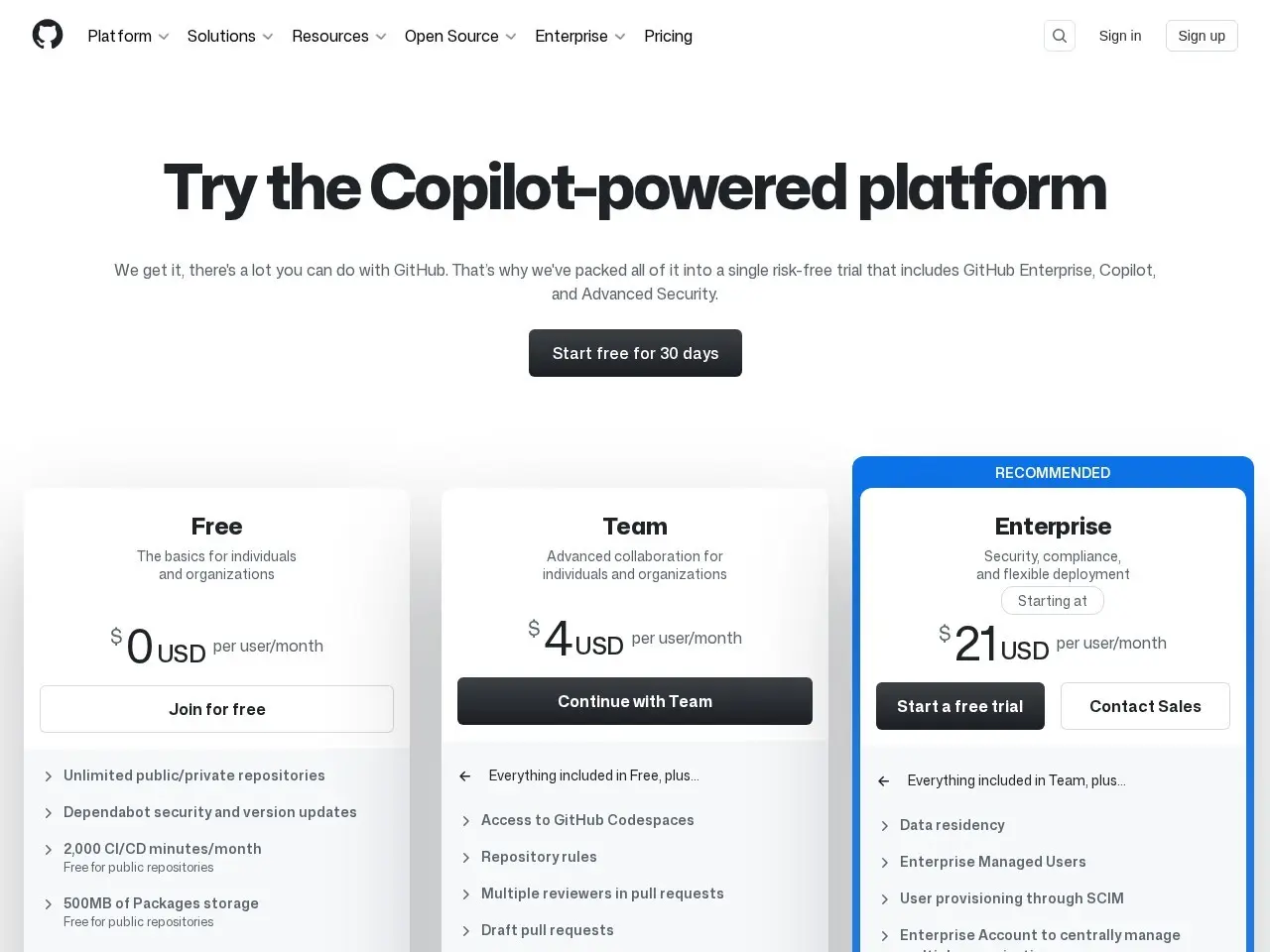
| Plan | Price | Note |
|---|---|---|
| Open-source | Free | Apache 2.0 license |
💡 Indicative pricing — check the official rates at github.com · Updated 8/2/2026
Original pricing screenshotKey features
- Gemma 4 26B-A4B inference in ~2GB RAM
- Optimized for Apple Silicon M-series Macs
- Built with Swift 6.2 and Metal 4
- Works on macOS 26+
- Apache 2.0 open-source license
- Includes local server capabilities
Pros
- Extremely efficient RAM usage for AI inference
- Native Apple Silicon optimization
- Open-source and transparent implementation
Cons
- Limited to macOS platforms
- Requires macOS 26 or later
- Specialized for Gemma 4 models
Use cases
- AI developers needing efficient local inference
- Researchers testing models on Apple hardware
- Developers building AI apps for Mac users
The verdict
TurboFieldfare is a remarkable technical achievement that brings efficient AI inference to standard M-series MacBooks, making powerful models accessible without specialized hardware. It's particularly valuable for AI developers constrained by RAM limitations.
✓ Who should use it
AI developers and researchers who need to run Gemma 4 models efficiently on their Apple Silicon MacBooks.
✕ Who should skip it
Those needing cross-platform compatibility or working with non-Gemma AI models.
Categories
Community
- GitHub Issues ↗Official issue tracker and support community
Great for
Featured in
Frequently asked questions
Is GitHub - drumih/turbo-fieldfare: Gemma 4 26B-A4B inference in ~2 GB of RAM on any M-series MacBook free?
GitHub - drumih/turbo-fieldfare: Gemma 4 26B-A4B inference in ~2 GB of RAM on any M-series MacBook is free to use.
What is GitHub - drumih/turbo-fieldfare: Gemma 4 26B-A4B inference in ~2 GB of RAM on any M-series MacBook best for?
AI developers working with Gemma models on Apple Silicon Macs
Does GitHub - drumih/turbo-fieldfare: Gemma 4 26B-A4B inference in ~2 GB of RAM on any M-series MacBook have an API?
No, GitHub - drumih/turbo-fieldfare: Gemma 4 26B-A4B inference in ~2 GB of RAM on any M-series MacBook does not offer a public API.
Can I self-host GitHub - drumih/turbo-fieldfare: Gemma 4 26B-A4B inference in ~2 GB of RAM on any M-series MacBook?
Yes, GitHub - drumih/turbo-fieldfare: Gemma 4 26B-A4B inference in ~2 GB of RAM on any M-series MacBook can be self-hosted.
Who should use GitHub - drumih/turbo-fieldfare: Gemma 4 26B-A4B inference in ~2 GB of RAM on any M-series MacBook?
AI developers and researchers who need to run Gemma 4 models efficiently on their Apple Silicon MacBooks.
Reviews 4.0 ★ · 1 review
TurboFieldfare impresses with its ability to run Gemma 4's substantial 26B-A4B model on modest MacBook configurations. The Swift and Metal implementation shows deep optimization for Apple's hardware, delivering performance that defies typical RAM requirements. While specialized for Gemma models, this tool fills an important niche for developers who need efficient local inference without upgrading hardware. The documentation shows thoughtful system design and optimization journey, making this both a practical tool and educational resource for AI optimization on Apple platforms.
No reviews yet. Be the first to review GitHub - drumih/turbo-fieldfare: Gemma 4 26B-A4B inference in ~2 GB of RAM on any M-series MacBook.
Write a review
Related tools