Codex Security: AI-Powered Vulnerability Detection
AI-driven security agent for finding, confirming, and fixing vulnerabilities in code
★ 4.5 / 5 iKeep scoreScreenshots
Quick facts
Overview
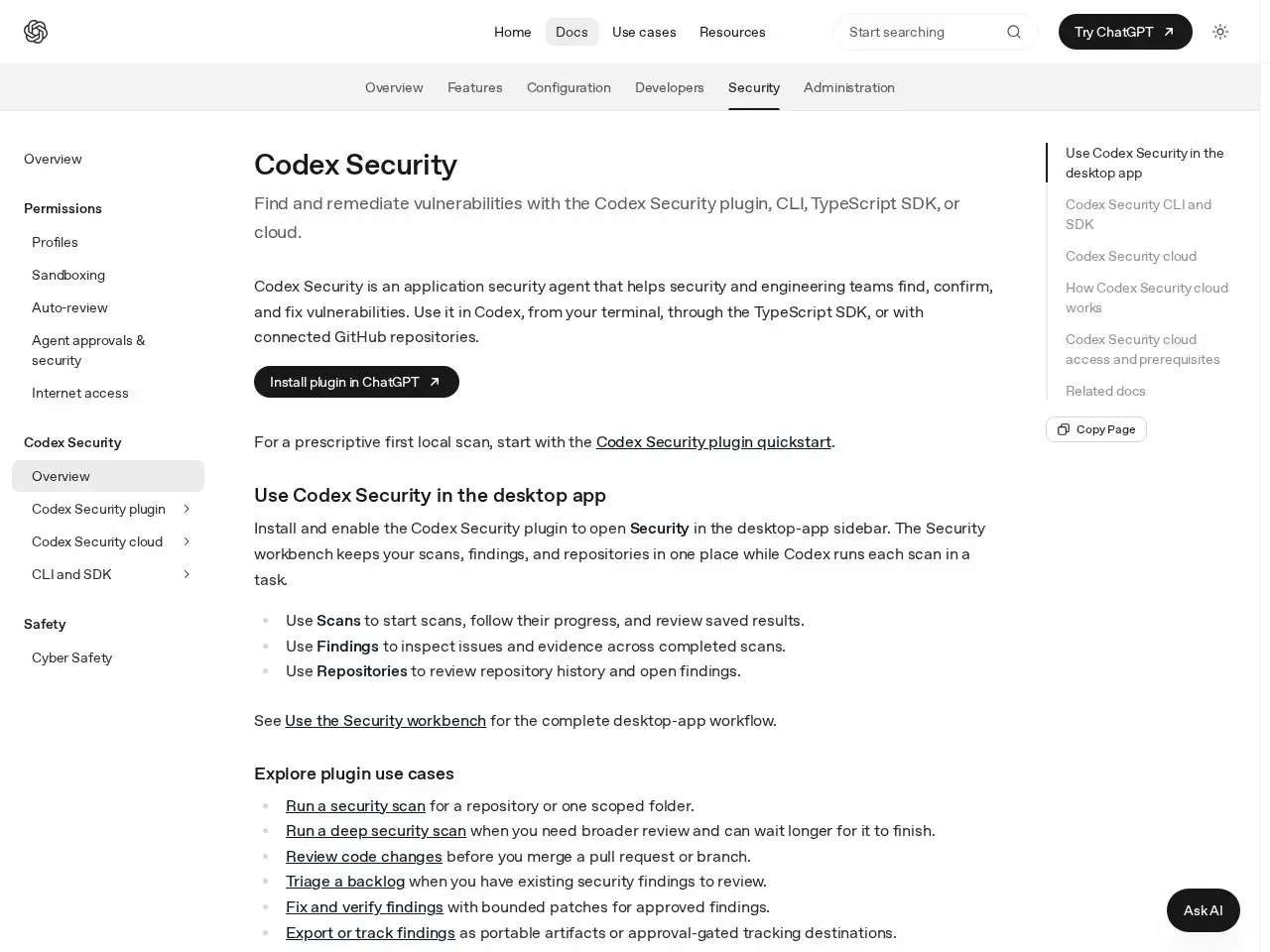
Codex Security is a comprehensive application security tool that integrates with Codex, CLI, TypeScript SDK, and GitHub repositories. It offers vulnerability scanning, findings management, and remediation workflows, enabling teams to secure their codebase efficiently.
Getting Started with Codex Security
- Install Codex SecurityInstall the Codex Security plugin or CLI tool to integrate security scanning into your development workflow.
- Configure RepositoriesConnect your GitHub repositories to Codex Security to enable automated scanning of your codebase.
- Run Security ScansInitiate scans manually via CLI or integrate them into your CI/CD pipeline for automated vulnerability detection.
- Review FindingsUse the Security Workbench to review and prioritize vulnerabilities identified in your code.
- Remediate IssuesFollow the provided remediation guidance to address vulnerabilities and improve your code security.
Pricing
💡 Indicative pricing — check the official rates at developers.openai.com · Updated 8/2/2026
Key features
- Integrated security scans via Codex plugin, CLI, and TypeScript SDK
- Security workbench for managing scans, findings, and repositories
- Deep security scans for comprehensive code reviews
- Pre-merge code change reviews for pull requests
- Vulnerability reporting and security hardening proposals
Pros
- Seamless integration with GitHub repositories
- Flexible scanning options for different use cases
- Detailed findings management and remediation workflows
Cons
- Requires Codex Security access for full functionality
- Deep scans may take longer to complete
Use cases
- Securing codebases before merging pull requests
- Managing and triaging existing security findings
- Proposing security hardening measures based on scan results
The verdict
Codex Security is a robust tool for teams seeking to enhance their application security with AI-driven vulnerability detection and remediation workflows.
✓ Who should use it
Engineering and security teams that need a comprehensive, AI-powered solution for detecting and fixing vulnerabilities in their codebase.
✕ Who should skip it
Teams looking for a lightweight, non-integrated security solution may find Codex Security's comprehensive features overwhelming.
Categories
Community
- OpenAI Developer Forum ↗Official discussions on Codex integrations and security
Great for
Frequently asked questions
Is Codex Security | ChatGPT Learn free?
Codex Security | ChatGPT Learn uses a unknown pricing model.
What is Codex Security | ChatGPT Learn best for?
Security and engineering teams looking to integrate AI-powered vulnerability detection into their workflows
Does Codex Security | ChatGPT Learn have an API?
Yes, Codex Security | ChatGPT Learn offers an API.
Can I self-host Codex Security | ChatGPT Learn?
No, Codex Security | ChatGPT Learn is not self-hostable.
Who should use Codex Security | ChatGPT Learn?
Engineering and security teams that need a comprehensive, AI-powered solution for detecting and fixing vulnerabilities in their codebase.
Reviews 4.0 ★ · 1 review
Codex Security stands out with its seamless integration into existing developer workflows, offering AI-powered vulnerability detection that feels both intuitive and powerful. The ability to manage scans, findings, and repositories from a unified workbench is a game-changer for teams looking to streamline their security processes. While the need for Codex Security access might be a hurdle for some, those who can leverage its full capabilities will find it an indispensable tool in their DevSecOps arsenal.
No reviews yet. Be the first to review Codex Security | ChatGPT Learn.
