AWStats: Open Source Log Analyzer for Web & Server
Advanced log file analyzer for web, ftp, and mail server statistics.
★ 4.0 / 5 iKeep scoreScreenshots
Quick facts
Overview
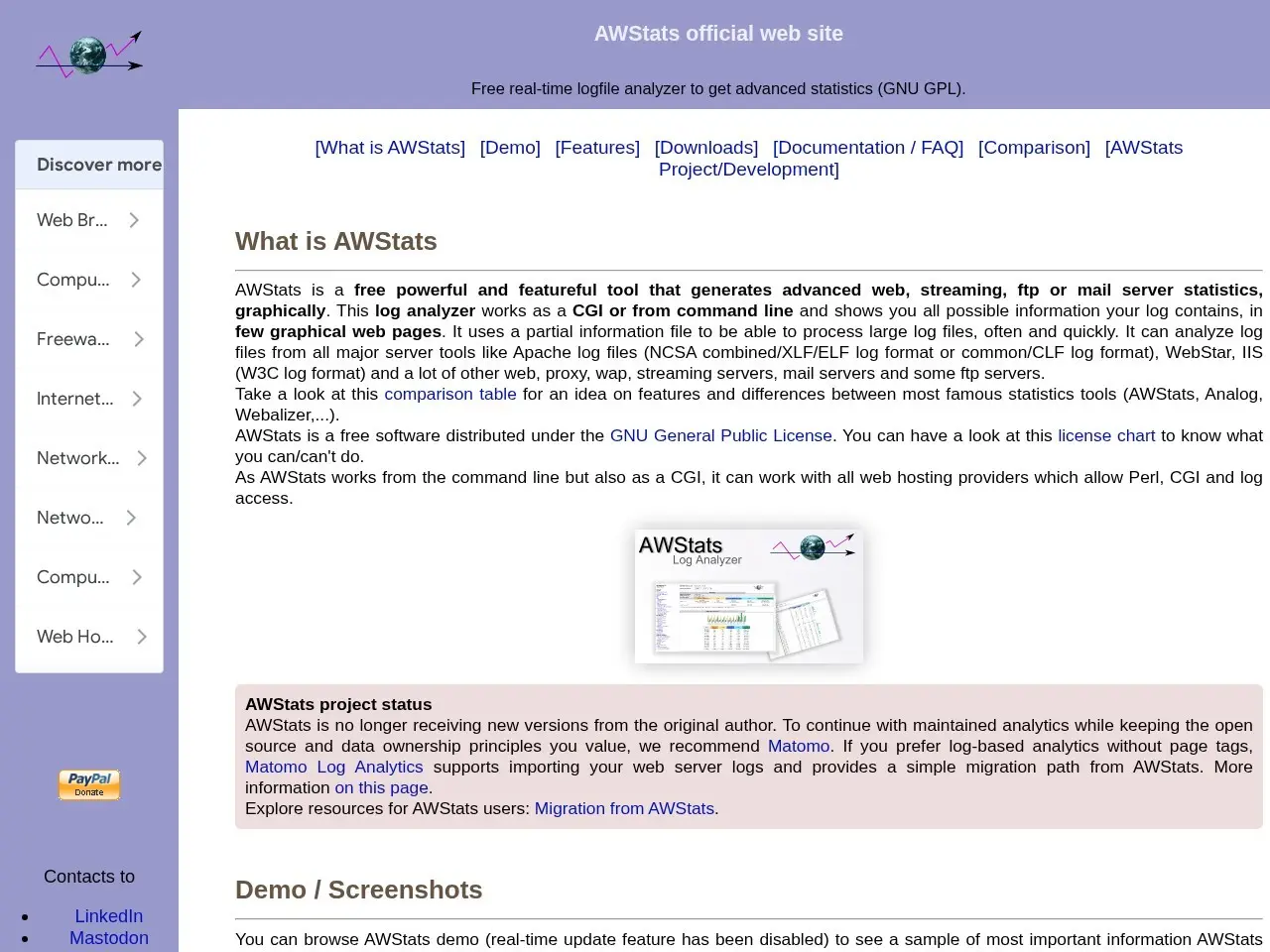
AWStats is a free, open-source log analyzer that generates detailed graphical statistics from server log files. It supports major server tools like Apache and IIS, providing insights into visitor behavior, traffic sources, and server performance.
Getting started with AWStats - Open Source Log File Analyzer for advanced statistics (GNU GPL)
- Download and installDownload AWStats from the official website and install it on your server. Ensure Perl is installed as AWStats requires it to run.
- Configure log filesEdit the configuration file to specify the location of your server log files and the domains you want to analyze.
- Run AWStatsExecute AWStats via command line or set it up as a CGI script to process the log files and generate statistics.
- View statisticsAccess the generated HTML reports through a web browser to view detailed analytics about your server traffic.
Pricing
| Plan | Price | Note |
|---|---|---|
| Open Source | Free | — |
💡 Indicative pricing — check the official rates at awstats.org · Updated 7/18/2026
Key features
- Analyzes log files from Apache, IIS, WebStar, and other major servers
- Generates graphical web pages with detailed statistics
- Tracks visits, unique visitors, visit duration, and authenticated users
- Provides GeoIP detection for visitor location analysis
- Supports web, ftp, and mail server statistics
- Works as a CGI or from command line
Pros
- Free and open-source under GNU GPL
- Comprehensive log analysis capabilities
- Works with most web hosting providers that allow Perl and CGI
- Detailed graphical reports
Cons
- No longer receiving updates from the original author
- Requires server log access and Perl/CGI support
- Steeper learning curve for beginners
Use cases
- Webmasters needing detailed server traffic analysis
- System administrators monitoring server performance
- Developers debugging web application traffic
- Business owners analyzing website visitor behavior
The verdict
AWStats remains a powerful open-source option for technical users who need in-depth server log analysis, though its lack of recent updates means users might eventually want to migrate to maintained alternatives like Matomo.
✓ Who should use it
Technical users with server access who need comprehensive, self-hosted web analytics without third-party tracking.
✕ Who should skip it
Non-technical users or those needing modern, maintained analytics solutions with ongoing support.
Categories
Community
- AWStats GitHub Issues ↗Official issue tracker for bug reports and feature requests
- WebHostingTalk ↗Server admin forum with AWStats configuration discussions
Great for
Featured in
Frequently asked questions
Is AWStats - Open Source Log File Analyzer for advanced statistics (GNU GPL) free?
AWStats - Open Source Log File Analyzer for advanced statistics (GNU GPL) is free to use.
What is AWStats - Open Source Log File Analyzer for advanced statistics (GNU GPL) best for?
Technical users who need detailed server log analysis and own their server environment
Does AWStats - Open Source Log File Analyzer for advanced statistics (GNU GPL) have an API?
No, AWStats - Open Source Log File Analyzer for advanced statistics (GNU GPL) does not offer a public API.
Can I self-host AWStats - Open Source Log File Analyzer for advanced statistics (GNU GPL)?
Yes, AWStats - Open Source Log File Analyzer for advanced statistics (GNU GPL) can be self-hosted.
Who should use AWStats - Open Source Log File Analyzer for advanced statistics (GNU GPL)?
Technical users with server access who need comprehensive, self-hosted web analytics without third-party tracking.
Reviews 4.0 ★ · 1 review
AWStats delivers impressive depth for an open-source log analyzer, particularly for technical users who value data ownership. Its ability to generate comprehensive reports from raw server logs remains valuable, though the interface shows its age. I appreciate the project's transparency about its maintenance status and helpful migration resources to Matomo. While it lacks some modern conveniences, AWStats excels at giving you complete visibility into your server traffic without relying on external services. The learning curve is steeper than commercial alternatives, but the payoff is granular control over your analytics data.
No reviews yet. Be the first to review AWStats - Open Source Log File Analyzer for advanced statistics (GNU GPL).
Write a review
Related tools